113
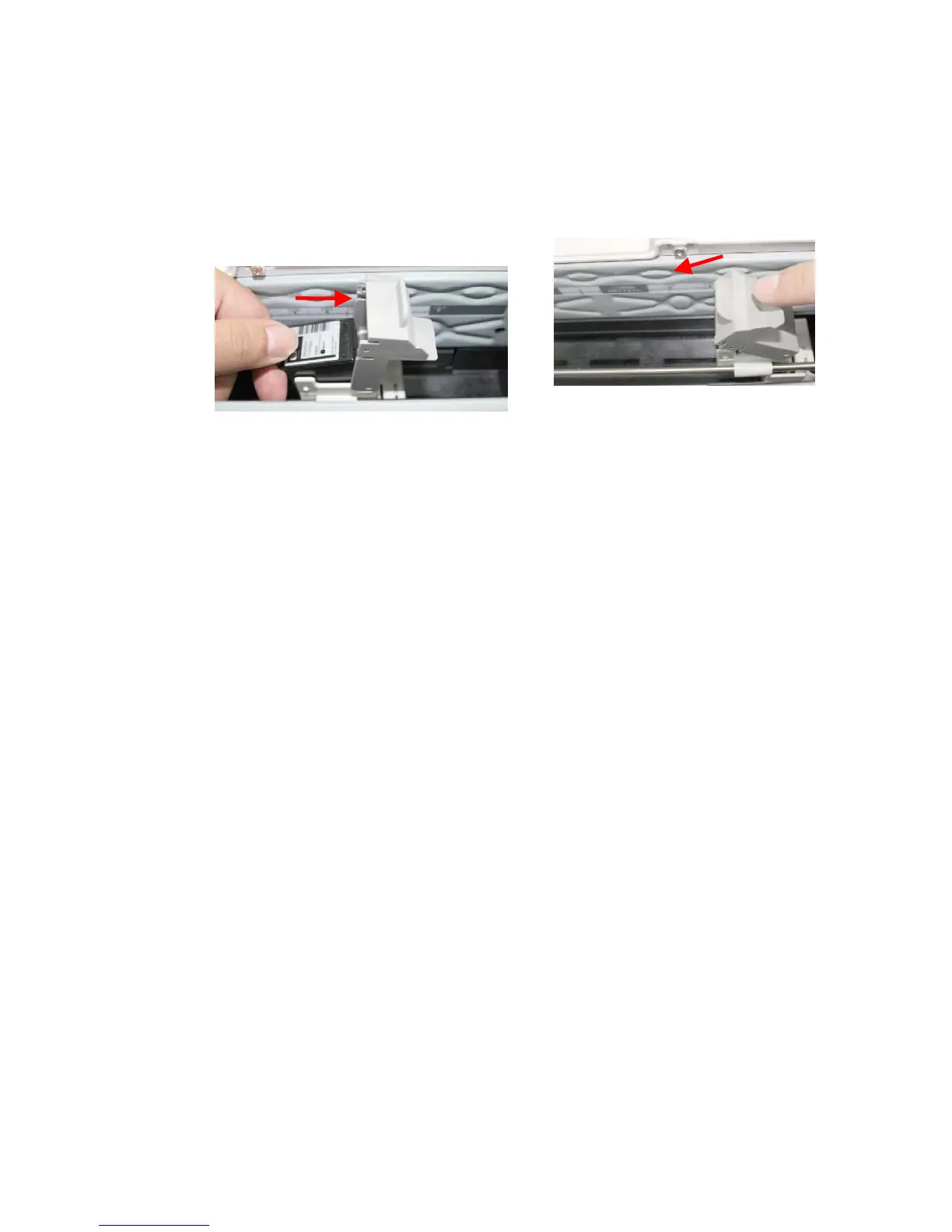
4. Reinsert the Print Cartridge and close the Print Cartridge Cover.
a. Grasp the tab of the Cartridge and
insert the Cartridge into the holder
with the text side facing up and the
tab pointing to the left.
b. Lower the locking lever of the Print
Cartridge Holder until it locks in.



 To Next Page