13
Note:
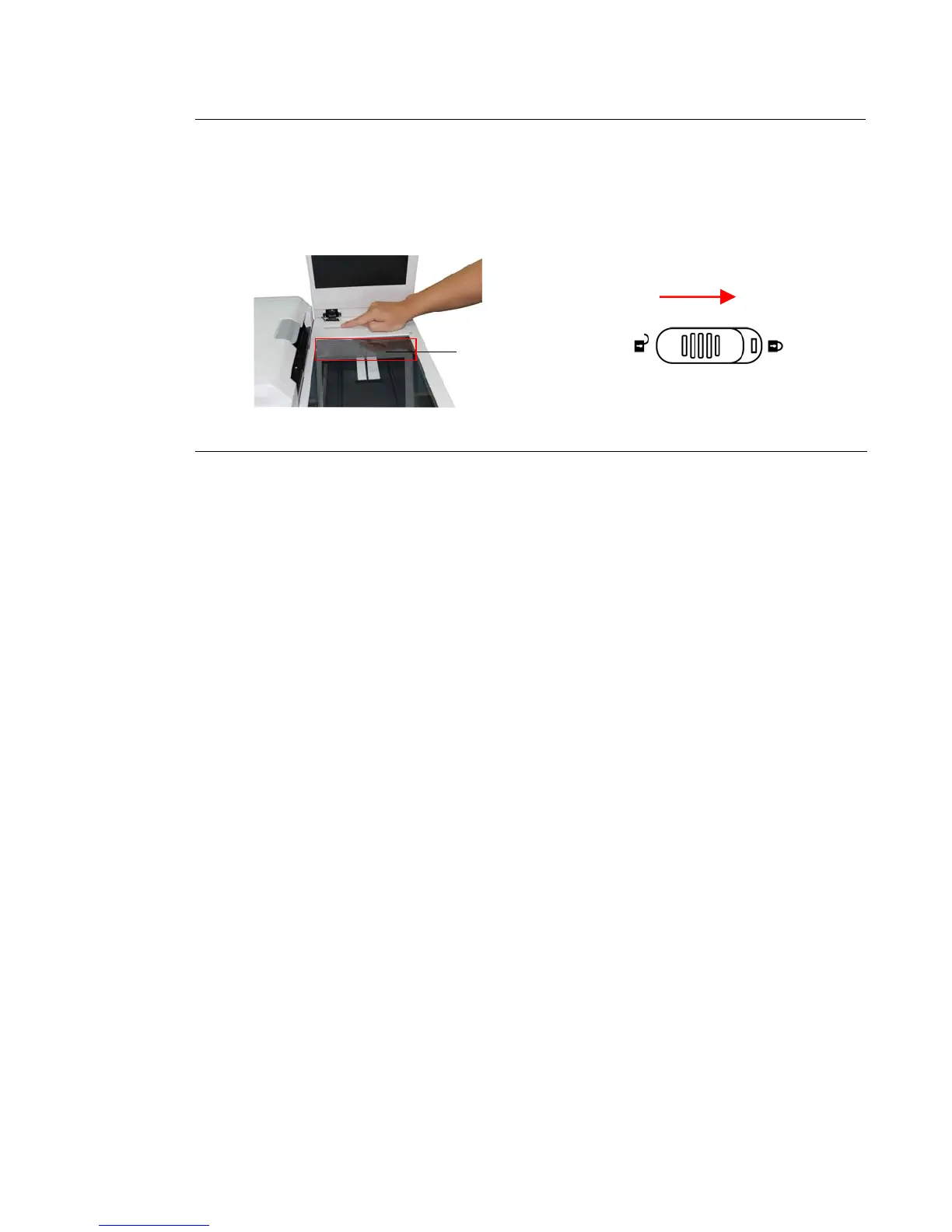
To lock the product, please do the following,
1. Turn off the product.
2. If the scan unit is not located at the home position, turn on the product. After
the scan unit returns to home position, turn off the product.
3. Move the lock switch to the “Locked Position”.
Home Position



 To Next Page