61
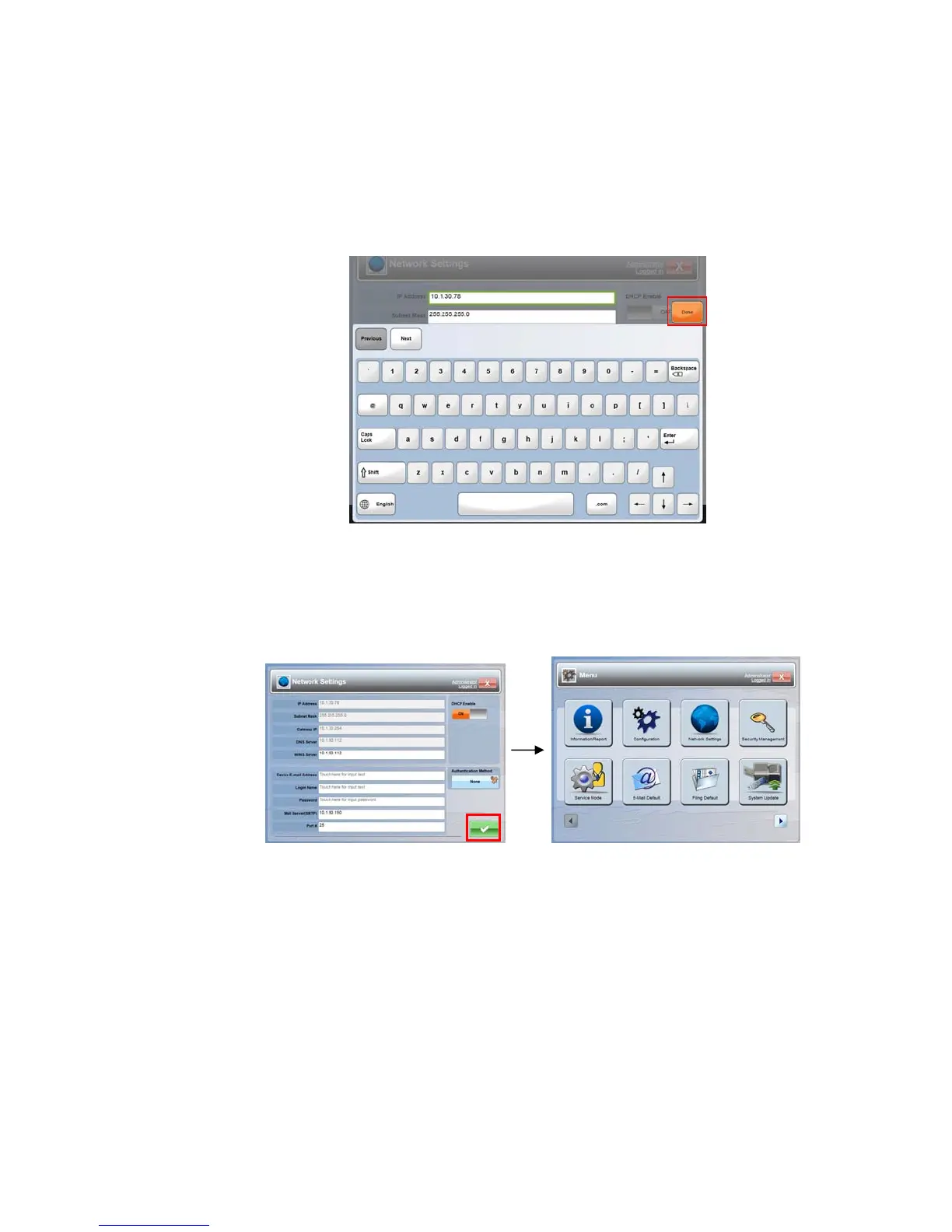
5. Tap anywhere respectively on the IP Address/Subnet Mask/Gateway
IP/DNS Server/WINS Server field to bring up the soft keyboard and then
enter the relevant values. (Of course, you don’t need to specify the first
three settings if you enable DHCP by tapping the [DHCP Enable] button.)
6. Tap Done to return to the Network Settings screen after entering your
information.
7. In the Network Settings screen, tap OK to return to the [Menu] screen.



 To Next Page