91
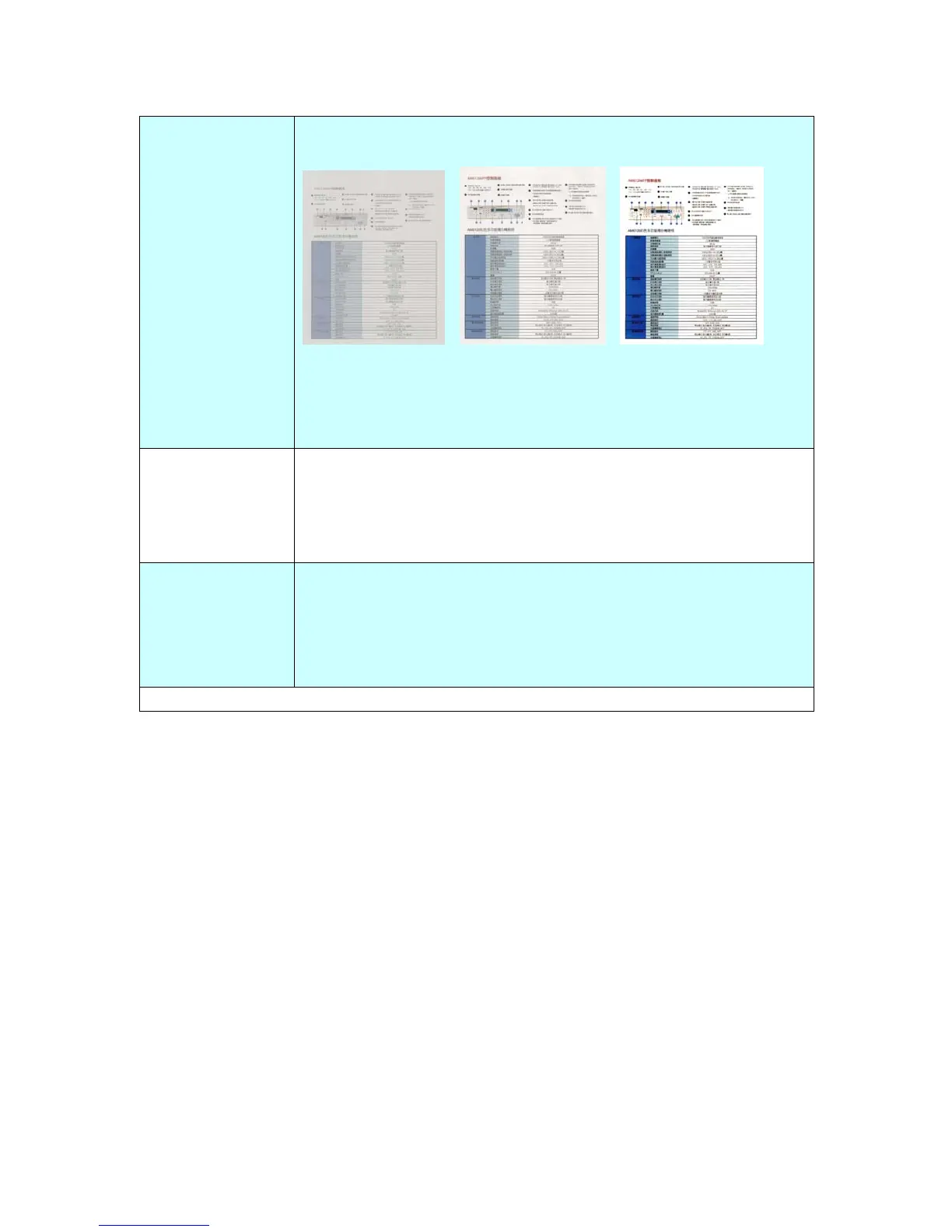
Contrast
Adjust the Contrast slider right or left to increase or decrease
the contrast.
Contrast: 1 Contrast: 4 Contrast: 7
(Normal)
Choice: Level1~7. Default value: 4
Compression
Choose the compression level for your scanned image.
The compression levels of MTIFF or TIFF includes G4 only.
Choice: Low, *Medium, High, G4, None
Blank Page
Removal
Remove a blank page by your chosen threshold.
The threshold is defined by how many percentages the blank
area in an original occupies.
Choice: None, *20%, 40%, 60%, 80%,100%.
* Factory Default



 To Next Page