136
Disabling Automatic Outside Dialing
19.6 Disabling Automatic Outside Dialing
You can disable automatic outside dialing on the analog ex-
tension “FON 1” of the FRITZ!Box. When automatic outside
dialing is disabled, you will hear an internal dialing tone
when you pick up the telephone receiver. This is a good idea
if you make a lot of internal calls.
When automatic outside dialing is disabled, for an external
call the 0 must be dialed before the telephone number.
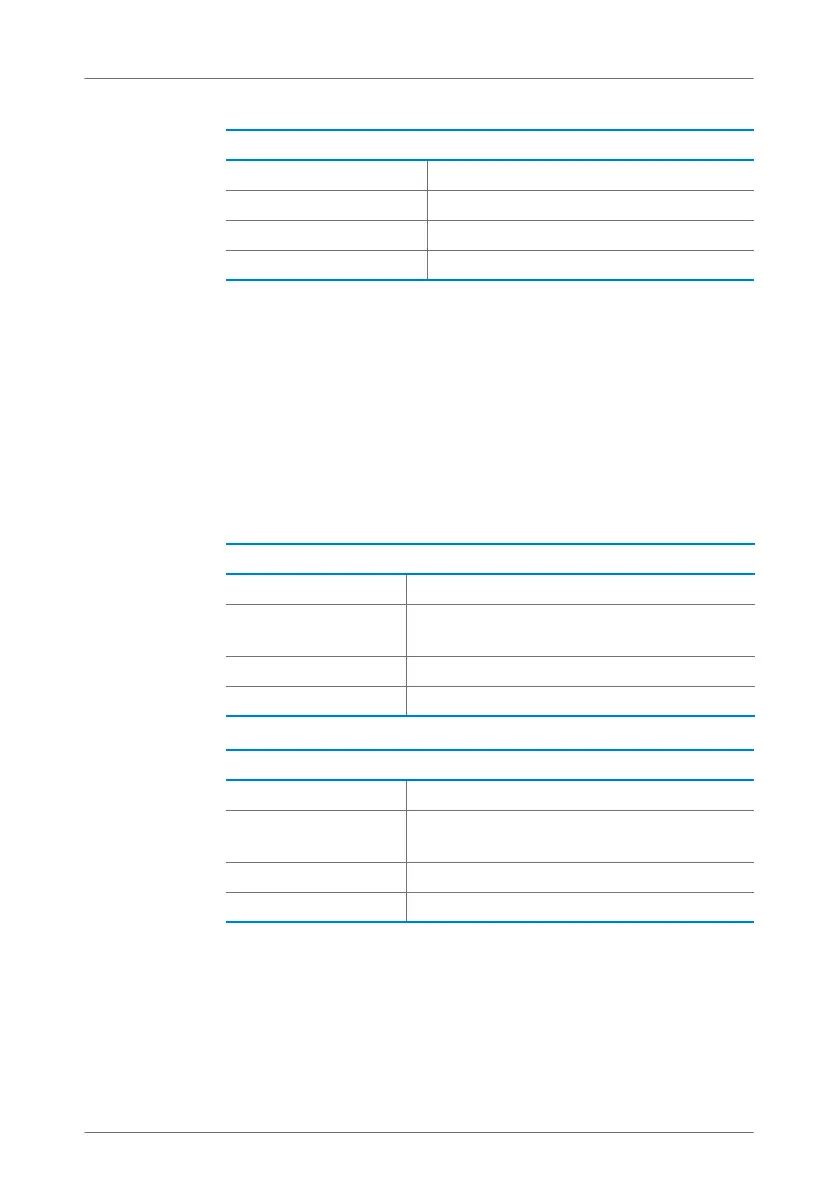
Disabling Call Diversion for an Analog Extension
N Pick up the handset.
r401ss Disables call diversion.
r91ss Save your settings.
O Hang up the receiver.
Disabling Automatic Outside Dialing
N Pick up the handset.
r11s0s Dial the sequence shown at left. Automatic
outside dialing will be disabled.
r91ss Save your settings.
O Hang up the receiver.
Enabling Automatic Outside Dialing
N Pick up the handset.
r11s1s Dial the sequence shown at left. Automatic
outside dialing will be enabled.
r91ss Save your settings.
O Hang up the receiver.
FRITZ!Box_7360-en.fm Seite 136 Mittwoch, 15. Februar 2012 5:21 17


 To Next Page
 Loading...