140
User Interface and Display
21.3 User Interface and Display
• Settings and status messages via a web browser on a
connected computer
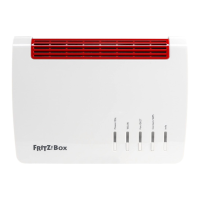
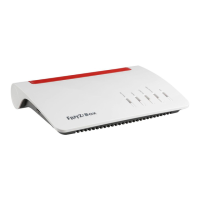
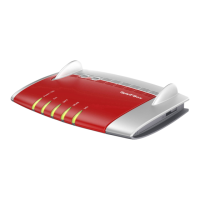
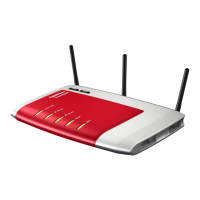
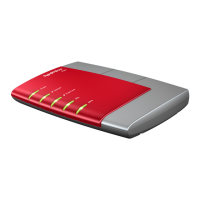
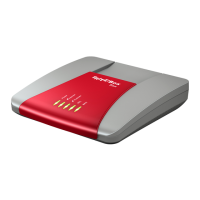
• Five LEDs indicate the condition of the device
21.4 Physical Specifications
• Dimensions (WxDxH): approx. 226 x 160 x 47 mm
• Supply voltage: 230 V / 50 Hz
• Maximum power consumption: 22 W
• Firmware can be updated
• Conform to CE standards
• Ambient conditions
– operating temperature: 0°C – +40°C
– storage temperature: -20°C – +70°C
– relative humidity (operation): 10% – 90%
– relative humidity (idle): 5% – 95%
21.5 Cable
DSL/telephone Cable
The DSL/telephone cable is a special combined cable devel-
oped by AVM to connect the FRITZ!Box to the DSL splitter and
the ISDN line.
If you need a longer cable, you can extend one or multiple
ends of the cable. You will need the following components to
extend the cable:
• 1 standard network cable
• 1 standard RJ45 CAT-5 double coupling
Both components are available from specialized vendors.
We recommend that cable be extended with a standard net-
work cable to a length of no more than 10 meters.
FRITZ!Box_7360-en.fm Seite 140 Mittwoch, 15. Februar 2012 5:21 17



 To Next Page
 Loading...