Connecting the Computer to the FRITZ!Box
23
4 Connecting the Computer to the FRITZ!Box
Connect one or several computers to the FRITZ!Box.
4.1 Connecting Computers to the LAN Port
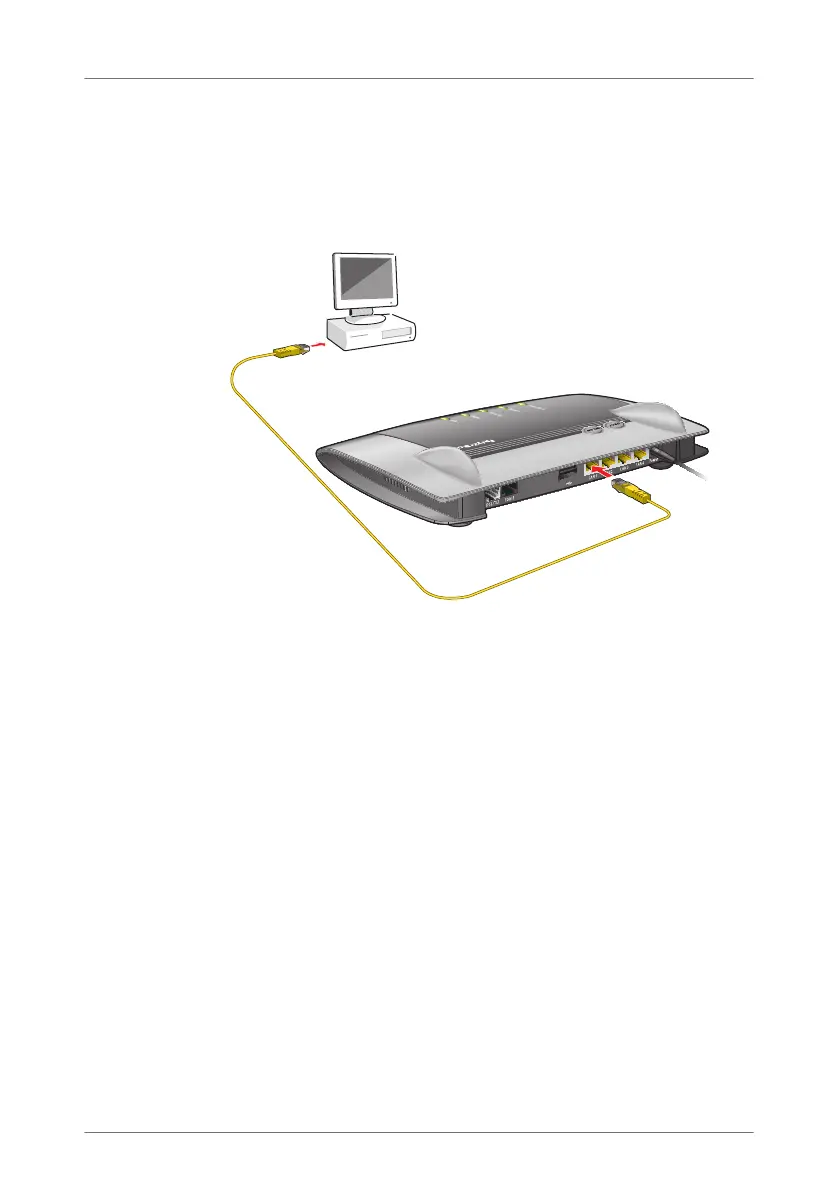
Connecting a computer to a LAN port on the FRITZ!Box
1. Set aside the network cable (yellow) from the FRITZ!Box
package.
2. If you work with a Linux operating system: Configure the
network adapter of the computer with the setting
“DHCP”.
3. Connect one end of the network cable to the network
port (network card) of the computer.
4. Connect the other end to the “LAN 1”, “LAN 2”, “LAN 3”
or “LAN 4” socket on the FRITZ!Box.
For connections at maximum speed (gigabit Ethernet),
connect the network cable to the “LAN 1” or “LAN 2”
socket.
Now the FRITZ!Box and the computer are connected to each
other.
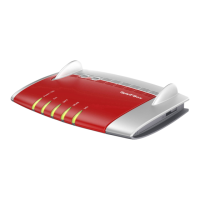
INFO
WLAN
Festnetz
Internet
Power
/
DSL
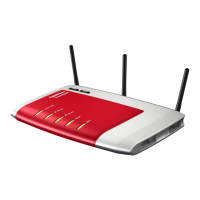
Info
WLAN
Power
/
D SL
Fixed Line
Internet
FRITZ!Box_7360-en.fm Seite 23 Mittwoch, 15. Februar 2012 5:21 17



 To Next Page
 Loading...