22
Connecting to the Fixed-line Telephone Network
1. Make sure that the long end of the DSL/telephone cable
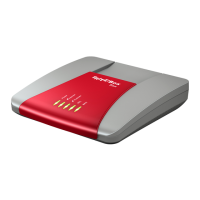
is connected to the socket on the FRITZ!Box labeled
“DSL/TEL”.
2. Insert the black end of the DSL/telephone cable into the
telephone socket on your DSL splitter.
The FRITZ!Box is connected with the analog fixed-line net-
work.
FRITZ!Box_7360-en.fm Seite 22 Mittwoch, 15. Februar 2012 5:21 17


 To Next Page
 Loading...