10
AvMap G7 Farmnavigator – User Manual
Farmnavigator functions are designed to save and precisely organize all the information relating to each
single job. It is advisable to enter data from the outset, in order to fully exploit all the advantages of this
technology.
Through DATABASE menu, it is possible to manage all your data (insertion, visualization, editing,
elimination, exportation).
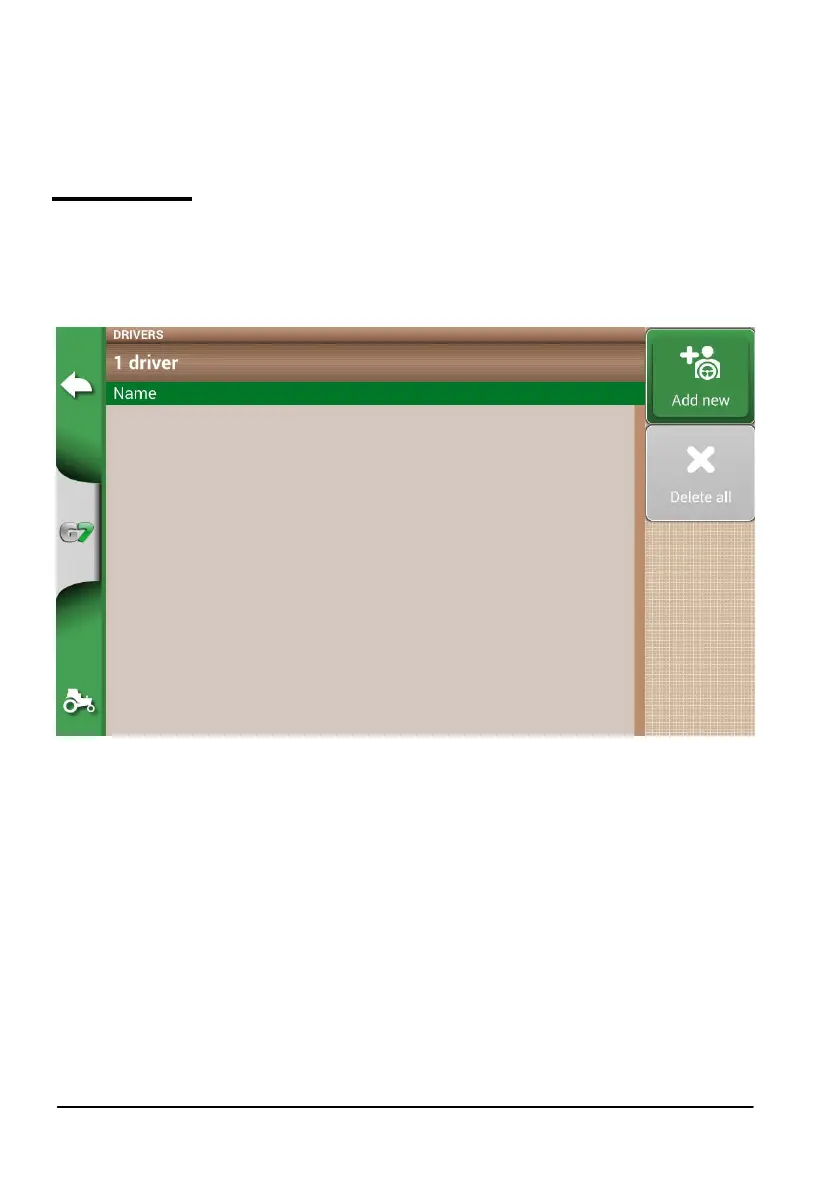
2.1.1 DRIVERS
It is possible to save all DRIVERS name.
1. Select “Add new”;
2. Enter the name, and select “OK”;
3. Tap the green arrow in the upper left corner of the screen to go back to the previous page.
Figure 2.1.b Add a new driver



 To Next Page