39
AvMap G7 Farmnavigator – User Manual
Once the eld is dened, there are other features which allow you to visualize, edit or delete eld
boundaries. Tap “FIELD” to access these features:
Edit/continue eld registration
It allows you to modify eld boundaries already dened by adding or modifying
one of its part.
Enable/disable eld view
Tap this icon to enable or disable the contour view of the eld from the map.
Delete eld boundaries
Delete eld contour.
Table 3.2.e Field functions detail
3.2.4 Headlands
This feature is very useful for determining the contour of the worked area. Dene the eld to use
this function.
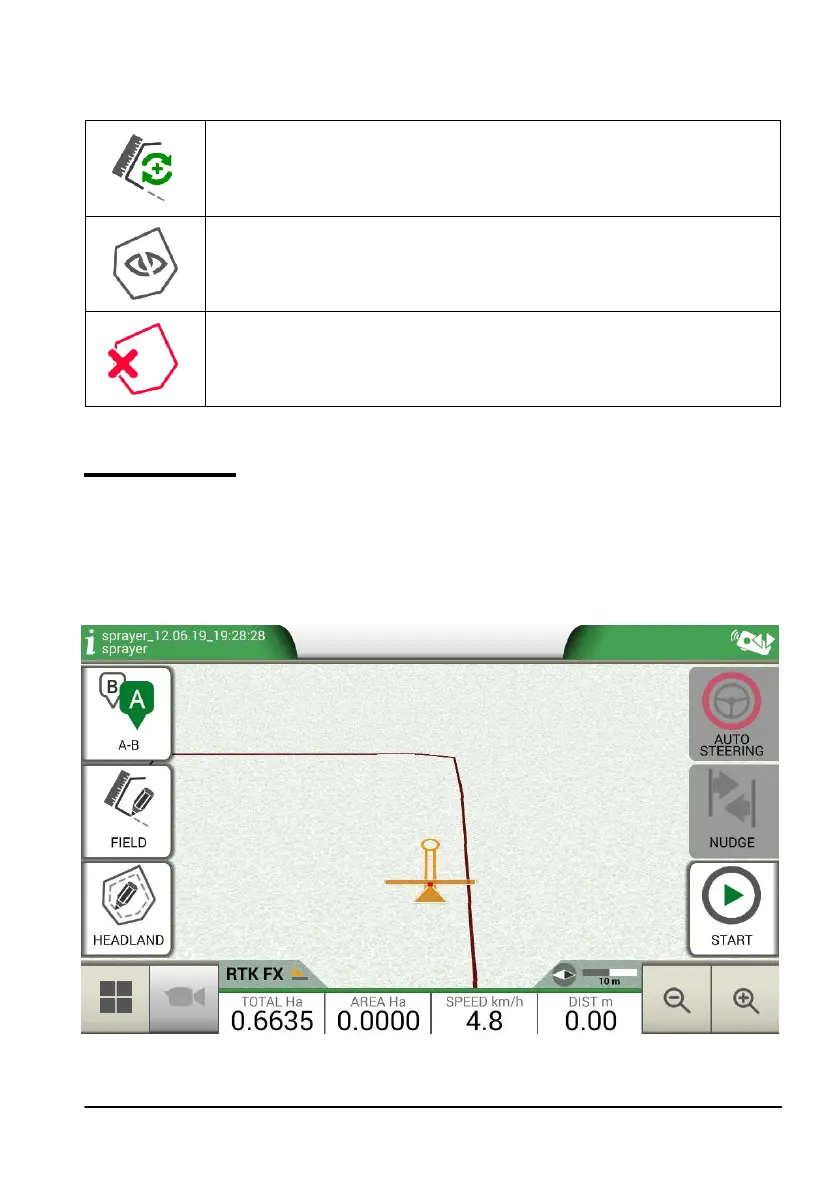
Take the following steps to activate headland:
- Select a eld from the list and create a new job;
- Move to the edge of the eld;
Figure 3.2.f Headland, start a new row



 To Next Page