40
AvMap G7 Farmnavigator – User Manual
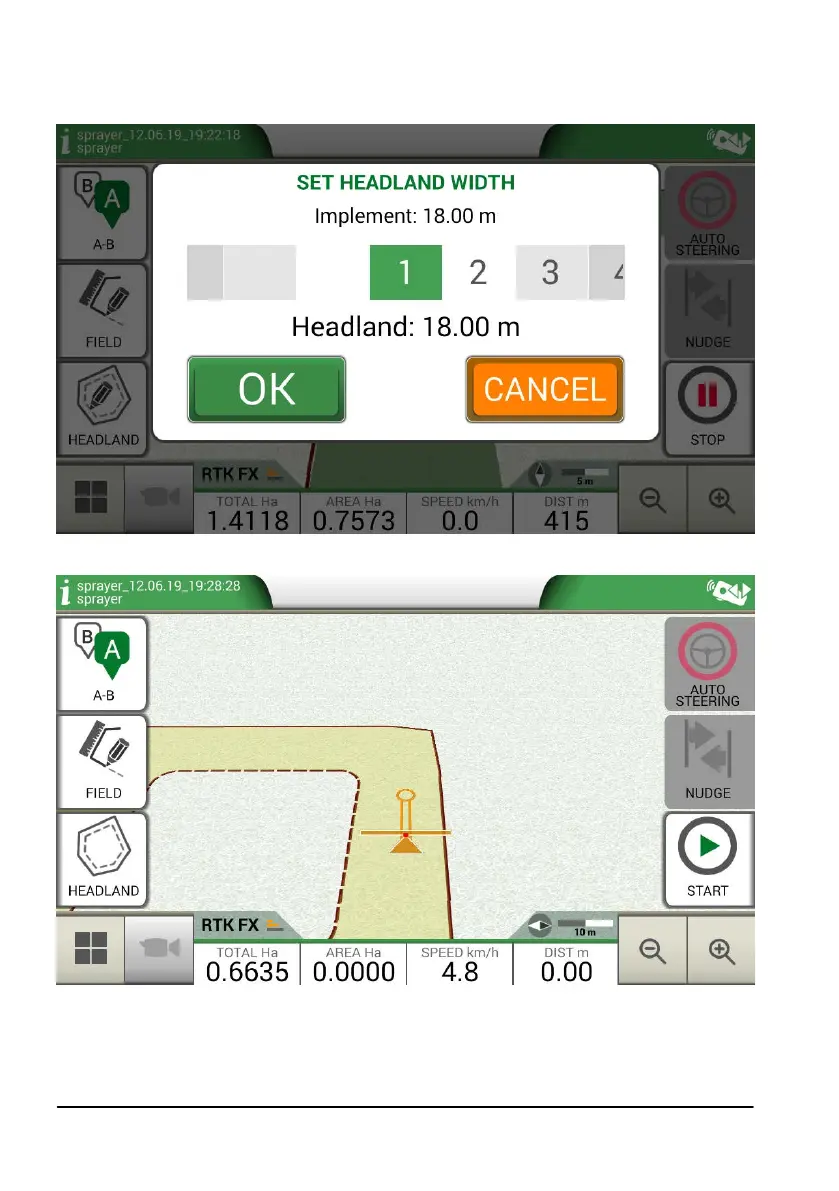
- Select headland key, named “HEADLAND”, and set the width of the headland that must be a
multiple of implement width;
- An area which corresponds to the headland will be displayed on the map.
Figure 3.2.g, Headland width conguration
Figure 3.2.h Headland, area
Headland has dierent functionalities:
- It allows to dene the area of the contour to be worked or already worked;



 To Next Page