13
AvMap G7 Farmnavigator – User Manual
It is possible to collect and save all the parcels of land worked or that must be worked. FIELD are associated
with FARMERS:
1. Select farmer name;
2. Select “Add New”;
3. Insert the name, and select “OK”;
4. Tap the green arrow in the upper left corner of the screen to go back to the previous page.
2.1.4 PRODUCTS
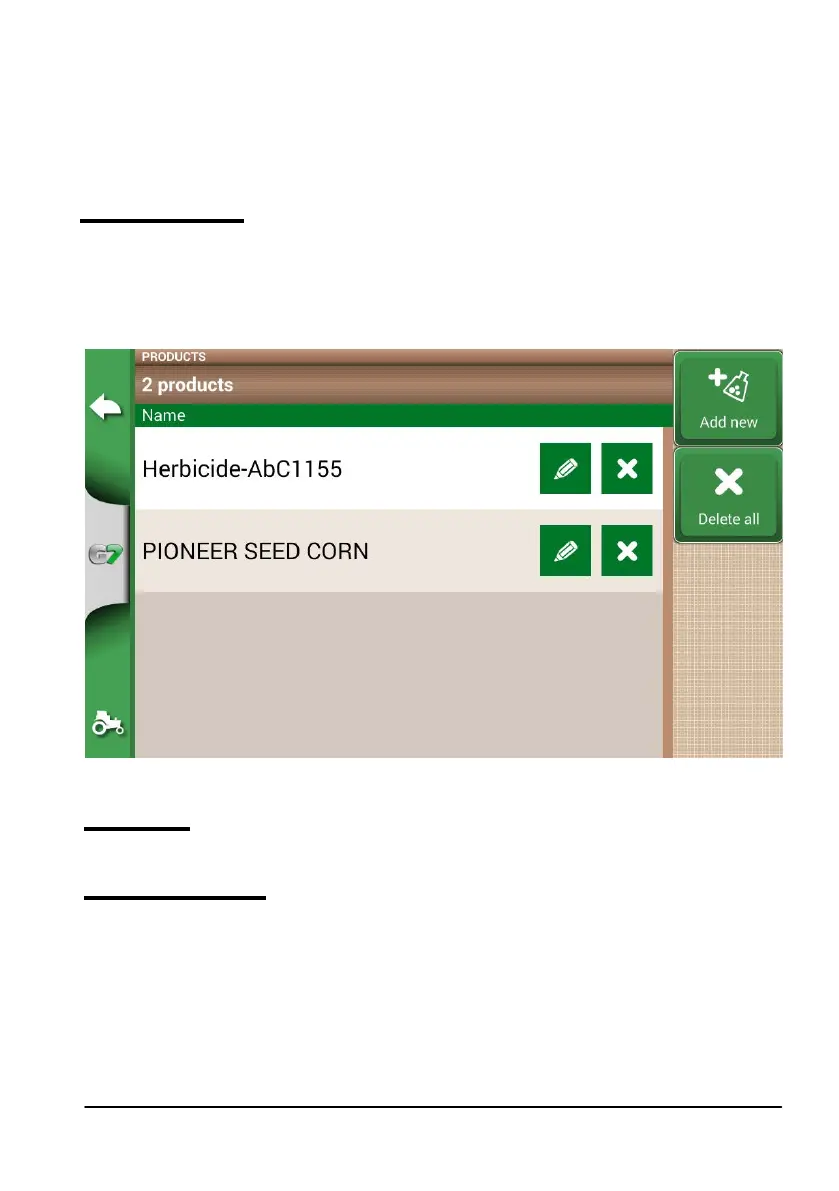
G7 Farmnavigator allows you to create a list of products and save their use after each activity.
1. Select “Add New”;
2. Insert the name, and select “OK”;
3. Tap the green arrow in the upper left corner of the screen to go back to the previous page.
Figure 2.1.g List of products
2.1.5 JOBS
Jobs are created automatically through the procedures described below.
2.1.6 IMPLEMENTS
In the IMPLEMENTS page, it is possible to create and congure all the implements that will be used with
G7 Farmnavigator.
1. Select “Add New”;
2. Insert the name, and select “OK”;



 To Next Page