37
AvMap G7 Farmnavigator – User Manual
3.2.3 Field
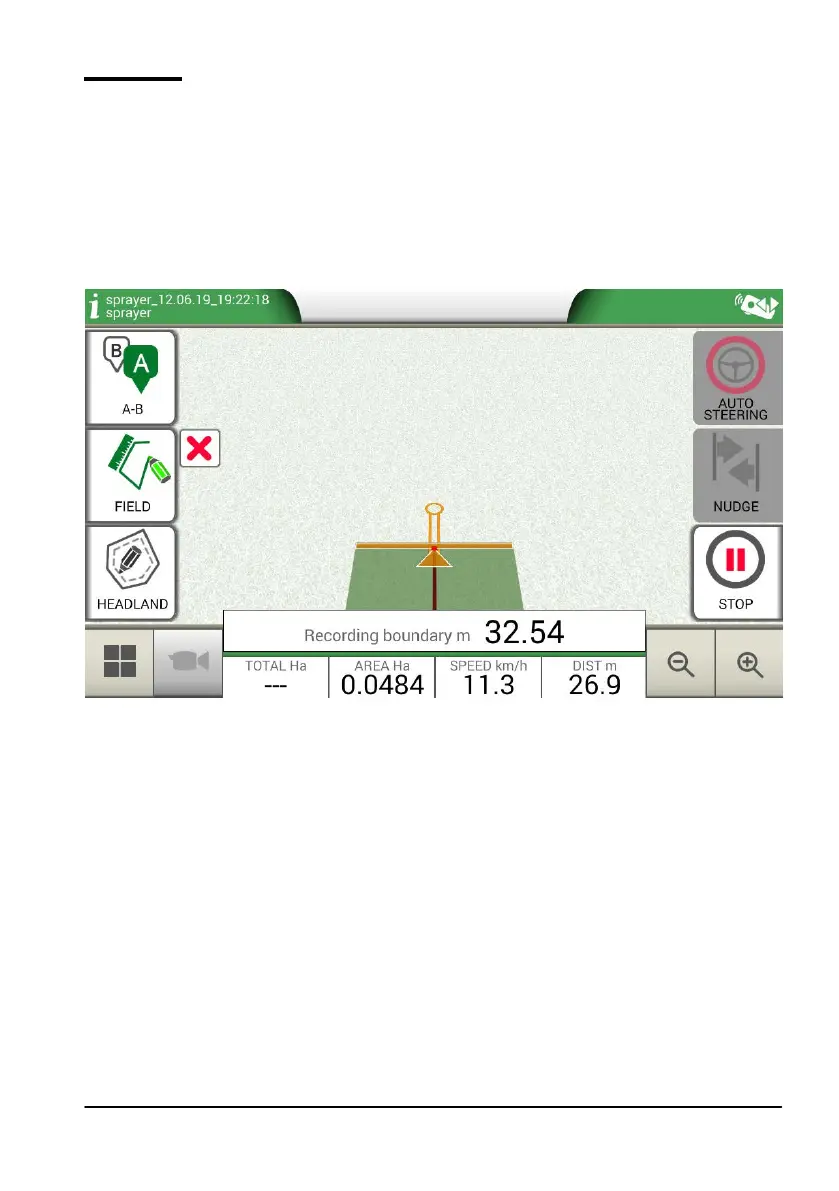
In order to dene a eld, go along the eld perimeter and activate eld registration mode.
The term eld refers to the physical perimeter of the eld. “FIELD” function allows you to save the
position of the eld. It is possible to carry on the activities even during the measurement of eld
boundaries. It is important to take into account that G7 Farmnavigator calculates the position of the
eld boarders according to the width of the chosen implement.
- Move to the edge of the eld;
- Select “START” if you are working the area during the registration of the eld boundaries;
- Select “FIELD” and move along the eld perimeters;
Figure 3.2.c Creation of a new eld
- Tap “FIELD” again, when you are in close proximity to the starting point so as to nish
recording;



 To Next Page