8
AvMap G7 Farmnavigator – User Manual
To turn the display o:
1. Press and hold the power button for 2 to 3 seconds;
2. Press “YES” to turn the device o.
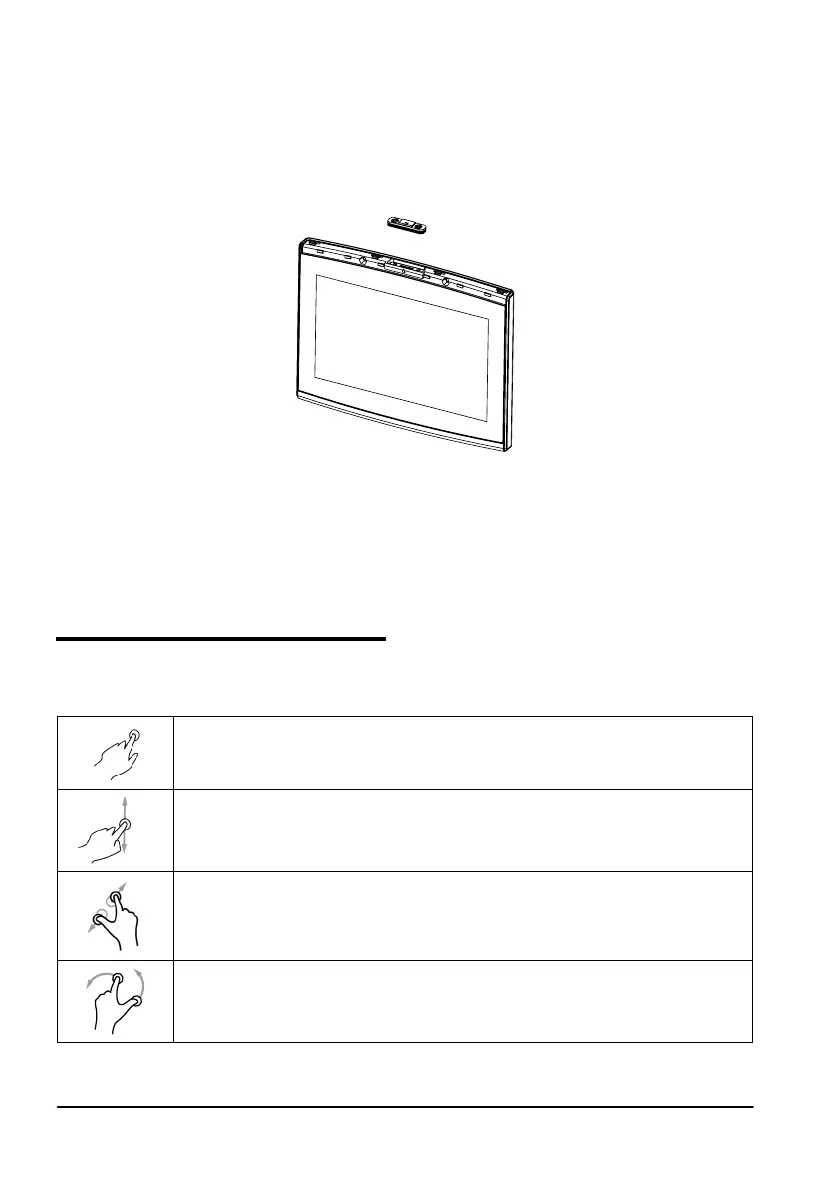
It is possible to reset G7 Farmnavigator if the device cannot be normally turned on/o. The reset
button is located at the left of the power button, below the plastic cover.
Figure 1.4.b Reset the device
How to reset the device:
1. Press the button;
2. Wait for the device to reset.
ATTENTION: a reset of the device might cause data loss.
1.5 How to use multi-touch display
G7 Farmnavigator is provided with a multi-touch display which allows you to perform specic actions
with your ngers.
Tap the screen to select a button from the menu.
Move your nger to scroll through the menu or scroll through the pages.
Slide the ngers closer together or further apart to zoom in or zoom out the eld.
Touch the screen with two ngers simultaneously to rotate the eld.
Table 1.5.a Touch screen gestures and movements



 To Next Page