49
AvMap G7 Farmnavigator – User Manual
7. Tap “A-B” icon and select the lines type that must be dened (e.g. Contour guidelines);
8. Move to the point B;
9. At this point, a second A-B line is created.
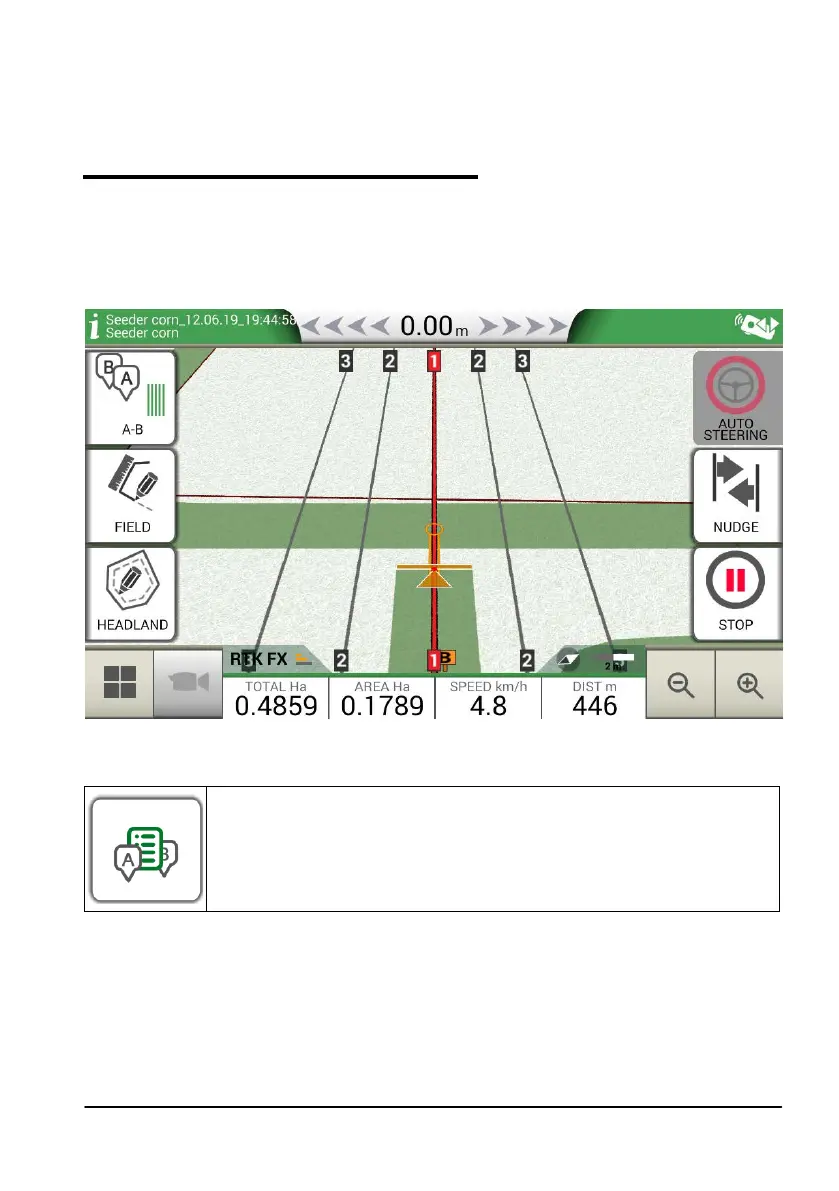
4.6 Change A-B lines during the same job
ATTENTION: this function can be used only if the eld is set.
If during your activity, there is a need to change A-B lines, proceed as follows:
1. Tap “A-B”;
2. Tap AB List icon.
Figure 4.6.a A-B line change during job
AB list icon.
Table 4.6.b A-B list icon
3. Select the A-B line type that you need to display;



 To Next Page