63
AvMap G7 Farmnavigator – User Manual
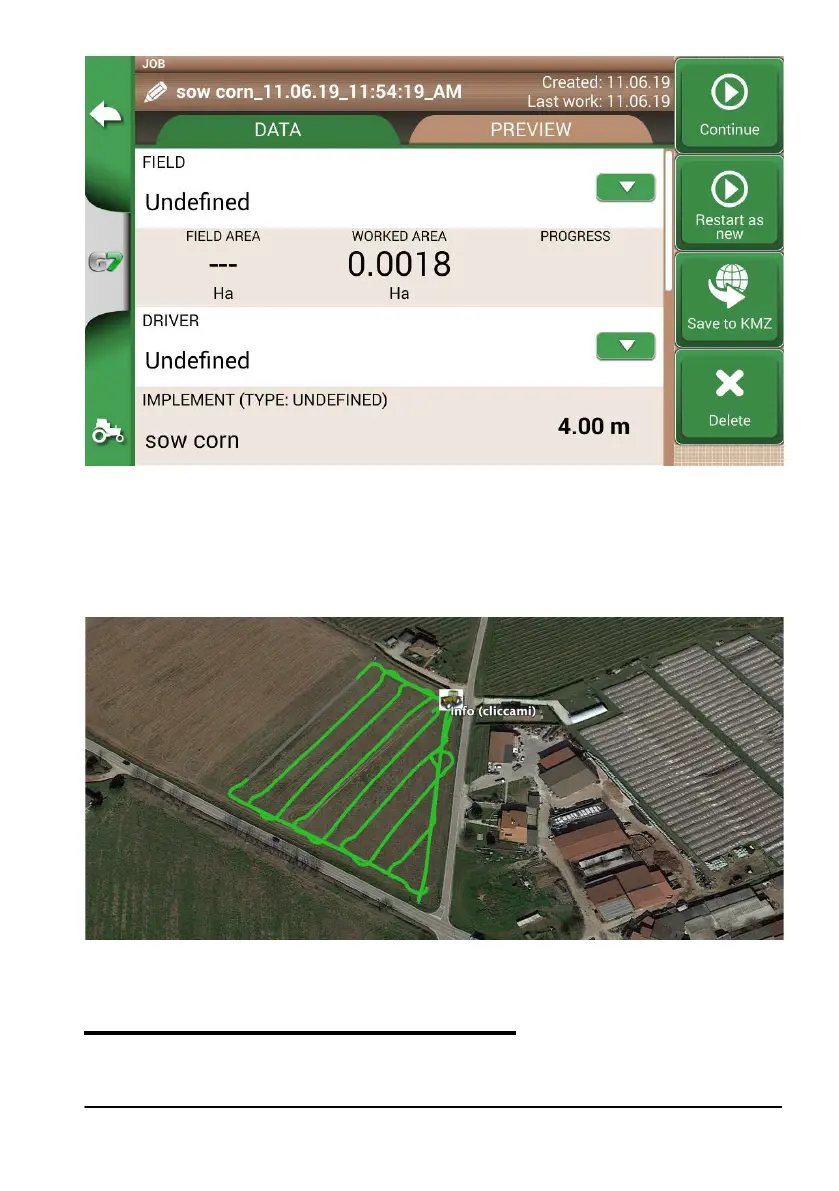
Figure 5.1.b Saving data in KMZ
1. The le will be automatically saved in the USB stick;
2. Connect the USB stick to your PC;
3. Enter the “Export” folder to access the saved job;
4. Double click on the job name;
5. Google Earth™ will be opened (if previously installed).
Figure 5.1.c Job view with Google Earth™
Tap “Info” to see all job information available.
5.2 Import the field boundaries in KMZ format
G7 Farmnavigator allows you to import eld boundaries in KMZ format. This feature is useful when
you want to move eld registration from one G7 Farmnavigator to another or if the eld boundaries



 To Next Page