43
AvMap G7 Farmnavigator – User Manual
3.2.7 Nudge
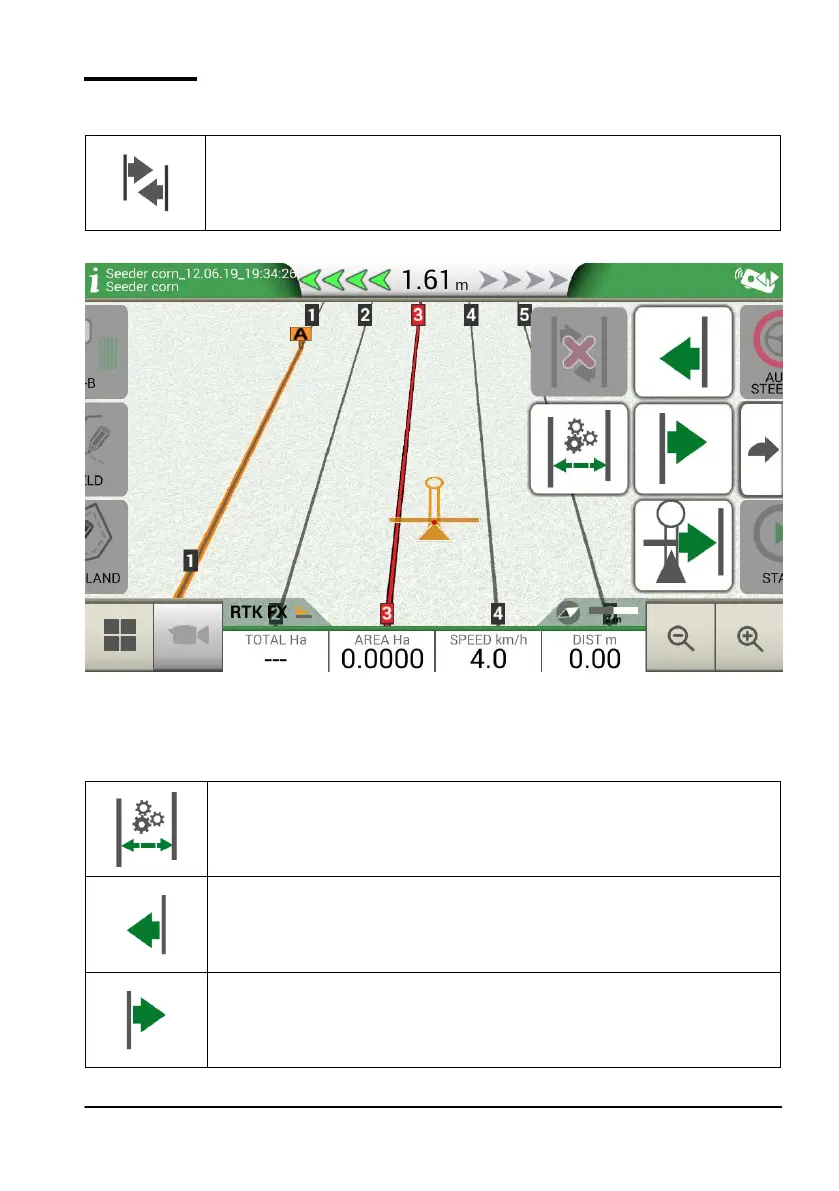
From the Job page, it is possible to move the A-B lines position a few centimetres. In order to do
so, tap “NUDGE”.
Nudge
It allows you to modify A-B line position.
Table 3.2.k Work page, nudge button
Figure 3.2.I Work page, A-B lines movement.
It is possible to insert nudge step, select movement direction or align the lines to the current position
of the tractor.
Set nudge step
Tap this icon to set nudge step in centimetres, e.g. 5 cm.
Move the line to the left
Tap this icon to immediately move the line to the left, for example 5 cm (value
set as nudge step).
Move the line to the right
Tap this icon to immediately move the line to the right, for example 5 cm (this is
the value set as nudge step).



 To Next Page