74
AvMap G7 Farmnavigator – User Manual
1. Tap “SETUP” > “Satellites”
2. Tap “NMEA on Generic port” and select “ON”.
6.5 Activate the demo mode
G7 Farmnavigator is provided with a Demo mode, very useful for outdoor demonstrations without
GPS.
To enable the demo mode (Demo):
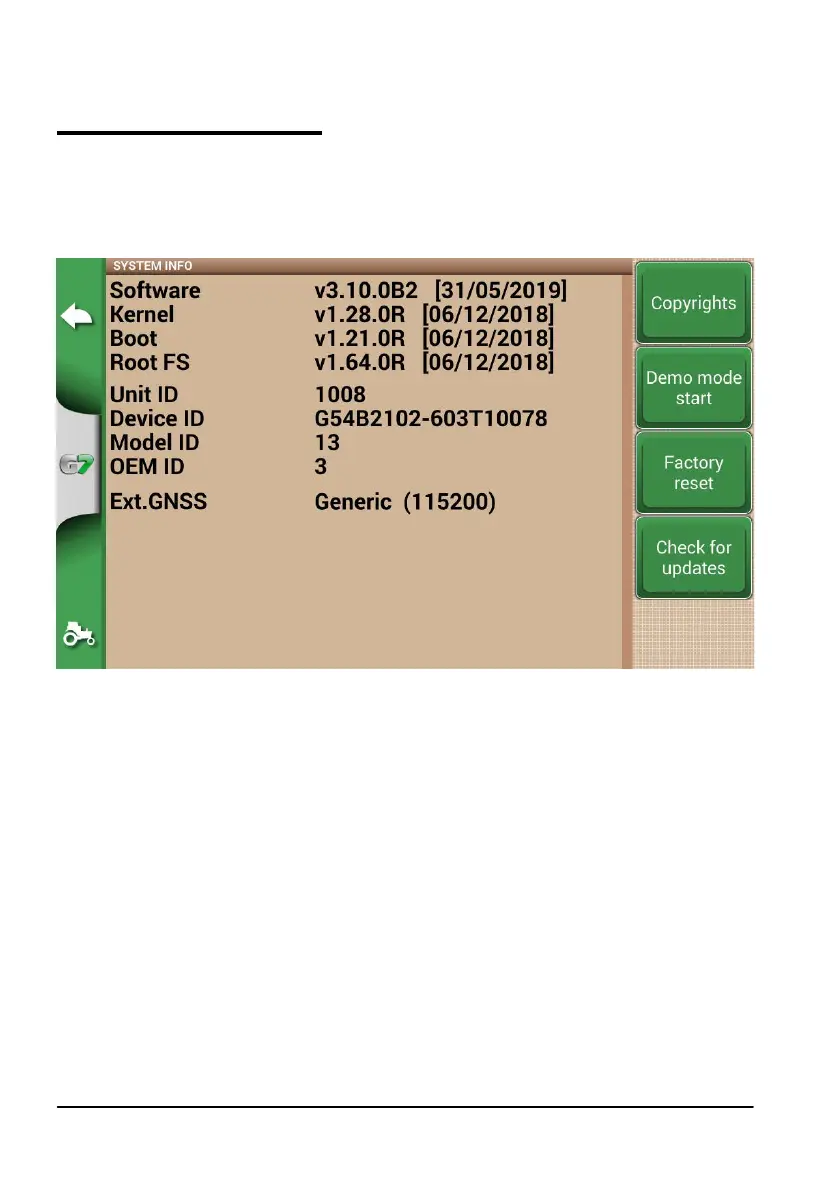
1. Tap “SETUP” > “System info”> “Start demo mode”;
2. Tap the tractor icon located in lower right corner of the page to switch to the job page.
Figure 6.5.a Start demo mode



 To Next Page