46
AvMap G7 Farmnavigator – User Manual
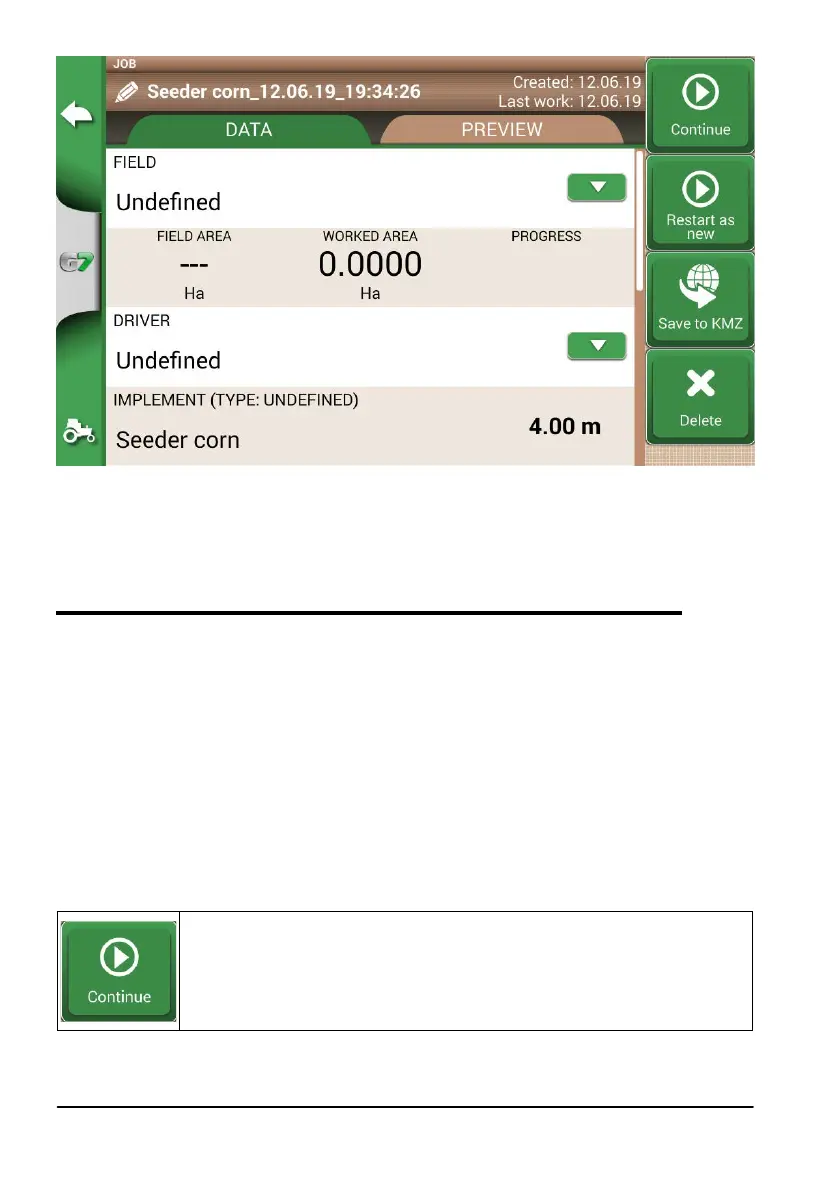
Figure 4.2.a Job name modication
NOTE: After one year, the replacement in the same position will be possible only with RTK
instrumentation.
- It is possible to work within the perimeter following the dened A-B lines.
4.3 Working again on defined A-B lines using the same implement
This procedure allows you to avoid redening A-B lines every year. For example; if you need to seed
the same eld with the same seeder every year.
NOTE: this feature is available only with RTK instrumentation.
G7 Farmnavigator allows you to reload a previous job and work it again, recalling the A-B lines used
during the previous activity.
1. Tap “DATABASE”,
2. Tap “FIELD”;
3. Select farmer name;
4. Select eld name;
5. Scroll to the “JOB” line and tap the downward green arrow;
6. Select the job that you want to recall;
7. Select “Start as new” to recall A-B lines saved during the previous activity.
In particular, there are two functions:
Continue
The job will be reloaded and the coloration of the worked area will be maintained.



 To Next Page