47
AvMap G7 Farmnavigator – User Manual
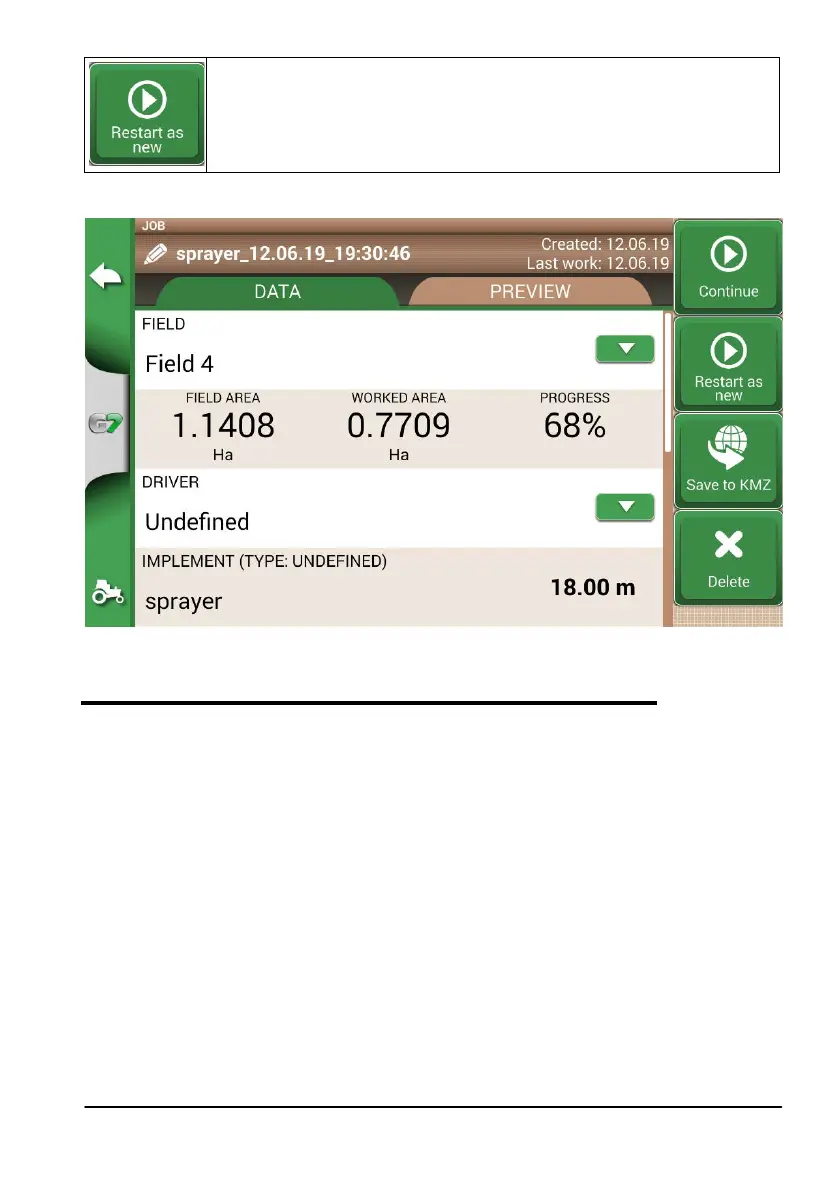
Restart as new
This function oers you two possibilities:
- start from an existing job.
- create a new job. It is advisable to modify job name tapping “i” at the upper
left corner of the screen.
Table 4.3.b ‘Continue’ and ‘Start as new’ detail
Figure 4.3.a ‘Restart as new’ function
4.4 Working on predefined A-B lines but with another implement
This procedure is useful to avoid redening A-B lines every year. For example, if you have dened
A-B guidelines during planting season and you need to recall them for your treatments next year.
The procedure is the following:
1. Tap “START NEW JOB”;
2. Select the “FARMER”;
3. Select the “FIELD”. It is essential to select the name of the eld used during the previous
activity, so that to recall the A-B lines used in that eld.



 To Next Page