19
AvMap G7 Farmnavigator – User Manual
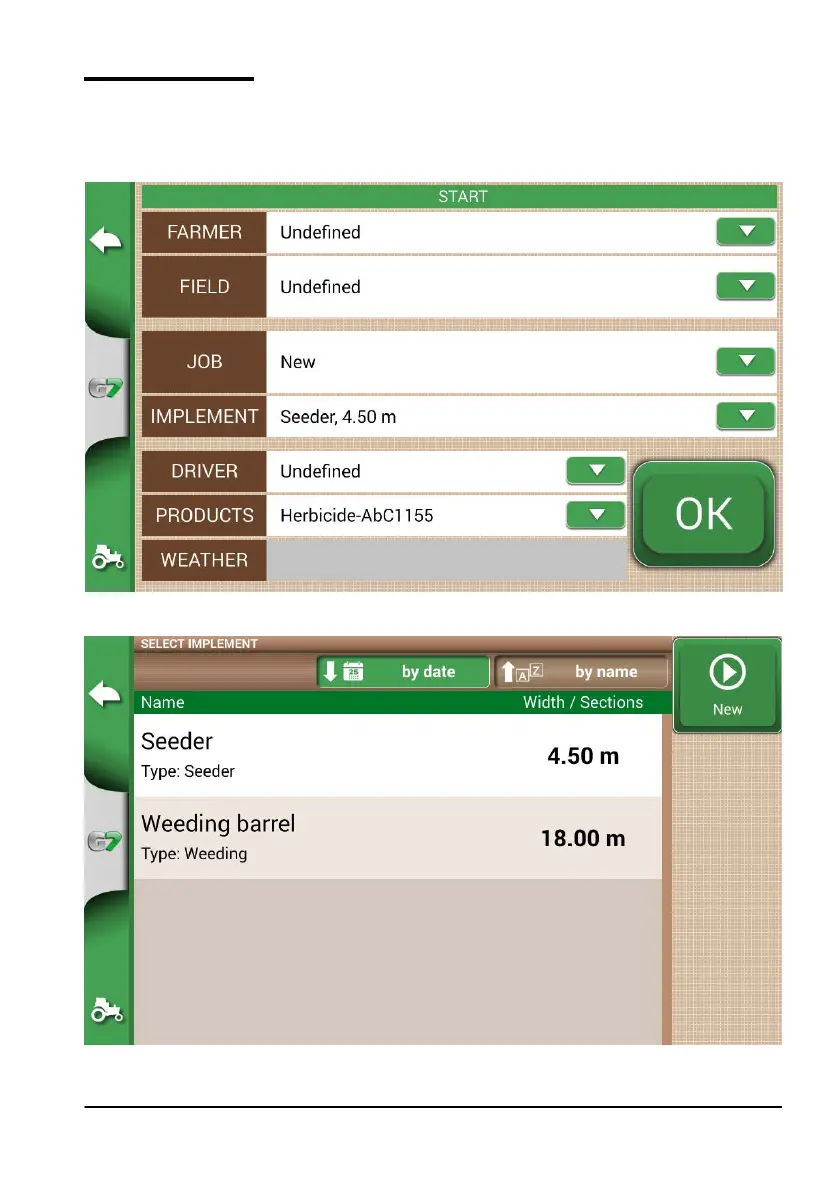
2.2 New job menu
To create a new job in fast mode, that is without entering all the working parameters and starting
with your job:
1. Select “START NEW JOB”;
2. Select the implement from the “IMPLEMENT” line, tapping the downward green arrow;
Figure 2.2.a Start new job page
Figure 2.2.b List of implements



 To Next Page