18
AvMap G7 Farmnavigator – User Manual
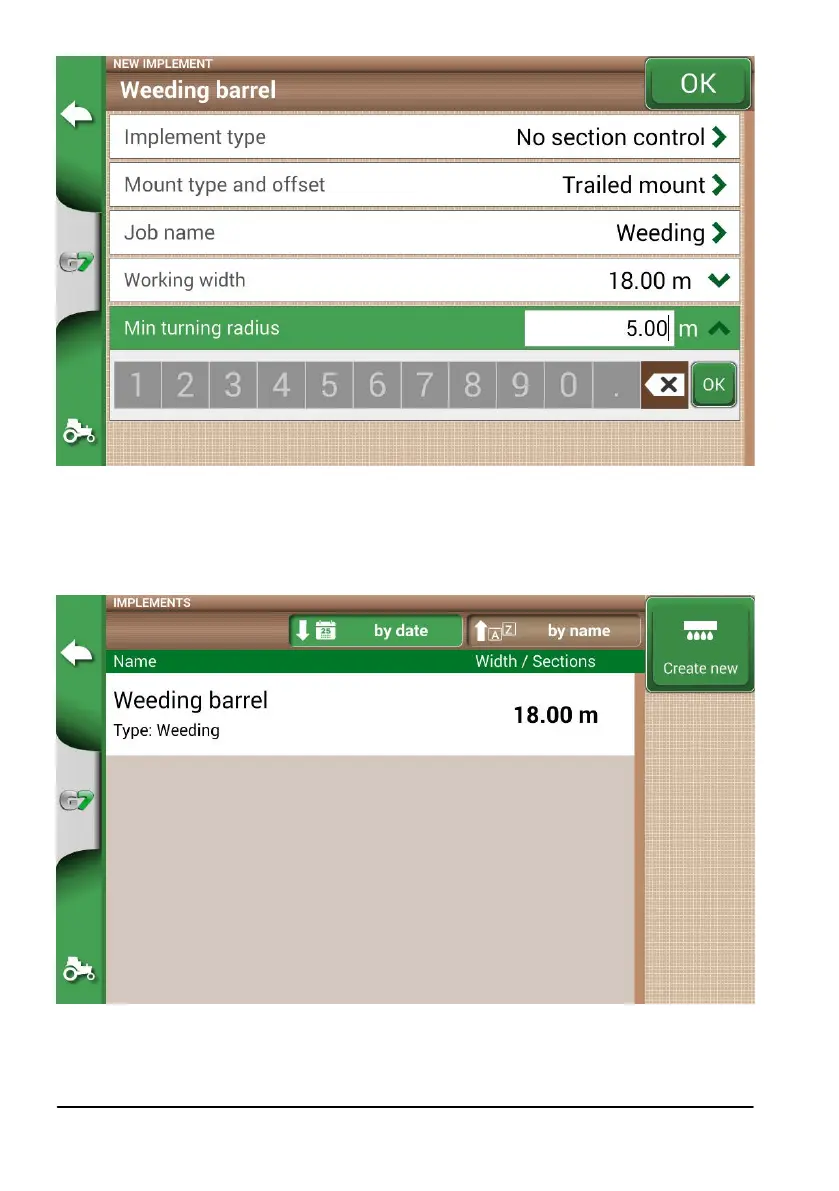
Figure 2.1.p Tractor minimum turning radius setting
11. Select “OK” in the upper left corner of the page to conrm;
All the information needed are now entered. From the database menu, it is always possible to add, edit and
delete the information entered.
Figure 2.1.q List of saved implements



 To Next Page