17
AvMap G7 Farmnavigator – User Manual
7. Tap the green arrow in the upper left corner of the screen to go back to the previous page;
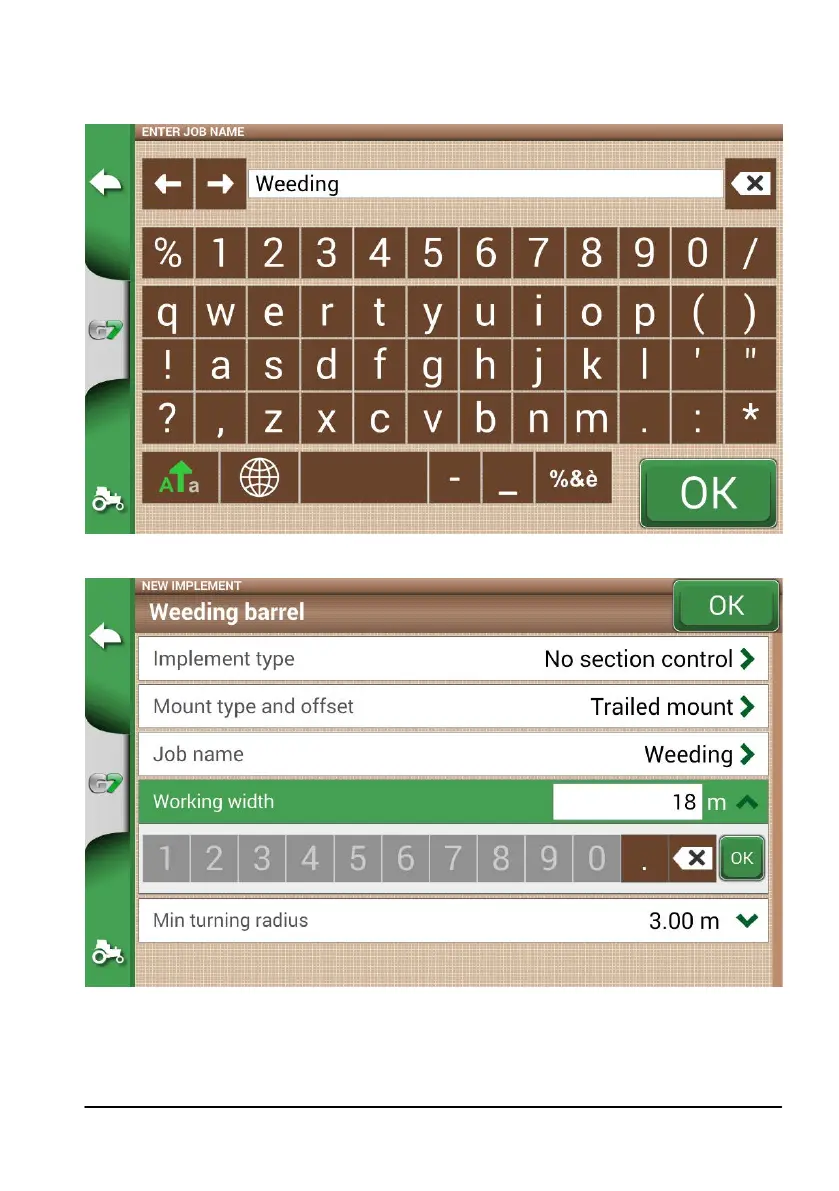
8. Select “Job type” to enter the type of job performed by the implement;
Figure 2.1.n Implement main activity
Figure 2.1.o Working width setting
9. Tap “Working width”, insert implement width, and select “OK”;
10. Tap “Minimum turning radius” and insert the turning value indicated in the tractor registration
certicate, and select “OK”;



 To Next Page