20
AvMap G7 Farmnavigator – User Manual
3. Select the name of the implement;
4. Select “OK” to switch to the job page;
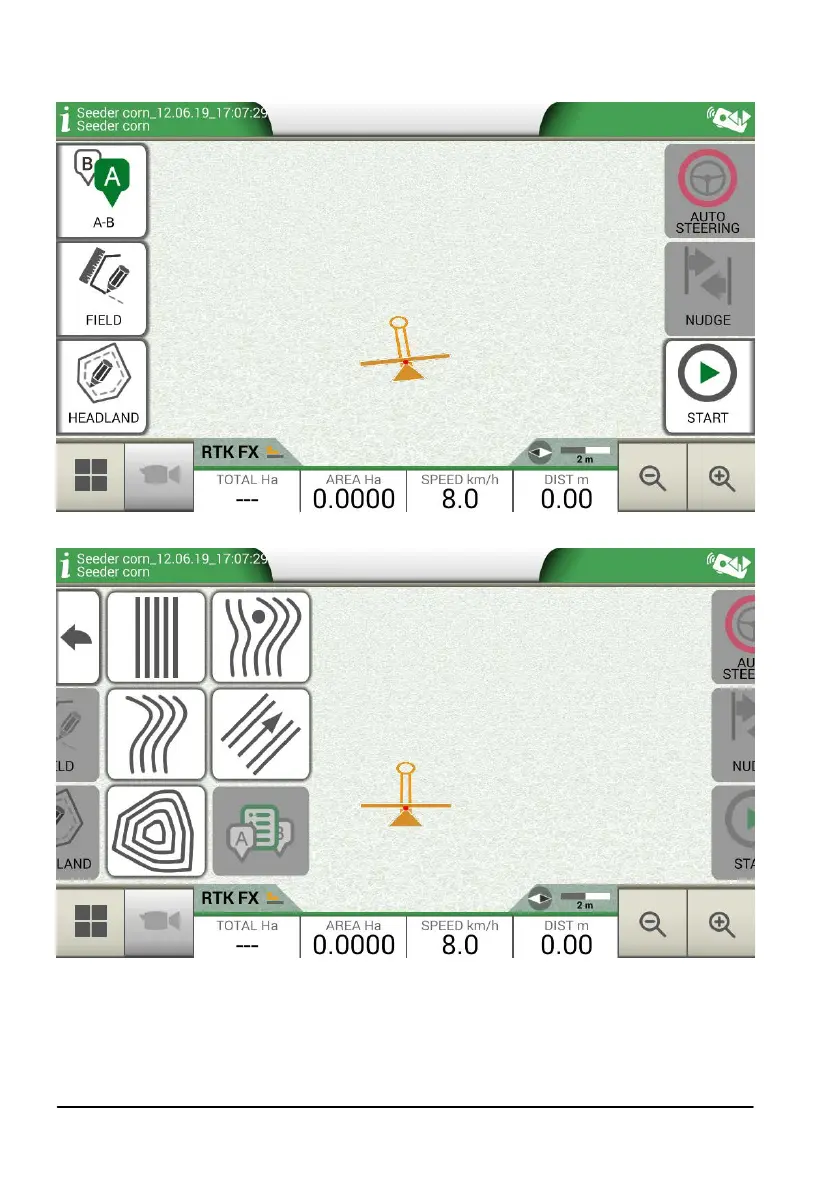
Figure 2.2.c Job page
Figure 2.2.d Job type selection
5. Select “A-B” to start the job;
6. Select the type of guidelines, for example A-B parallel guidelines;



 To Next Page