42
AvMap G7 Farmnavigator – User Manual
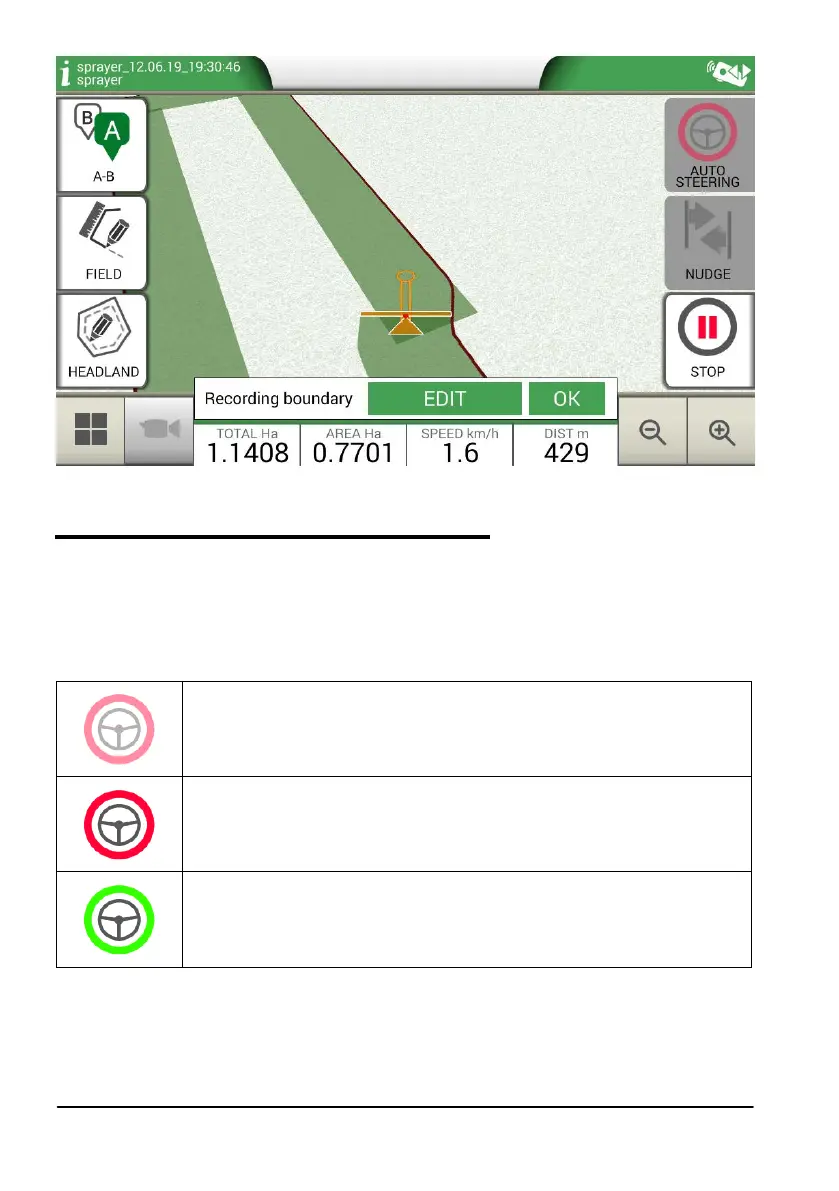
Figure 3.2.j Obstacle on the map
3.2.6 Auto-Steering system (For G7 Plus only)
G7 Farmnavifator is compatible with Auto-Steering mode. Connect G7 Farmnavigator to an external
device which allows the steering wheel to be activated automatically and keep the tractor on the
guideline.
In the Job page, the button marked as “AUTOMATIC STEERING” allows you to enable and disable
automatic steering.
Automatic steering not available
G7 Farmnavigator is enabled for Auto-Steering but steering device is not
installed or it is not active.
Auto-Steering active but not in use
Touch the red button to enable Auto-Steering.
Auto-Steering active and in use
Touch the green button to disable Auto-Steering.
Table 3.2.g. Auto-Steering buttons
For more detailed tecnical information about Auto-Steering system, check the Installation and
Maintenance Manual.



 To Next Page