55
AvMap G7 Farmnavigator – User Manual
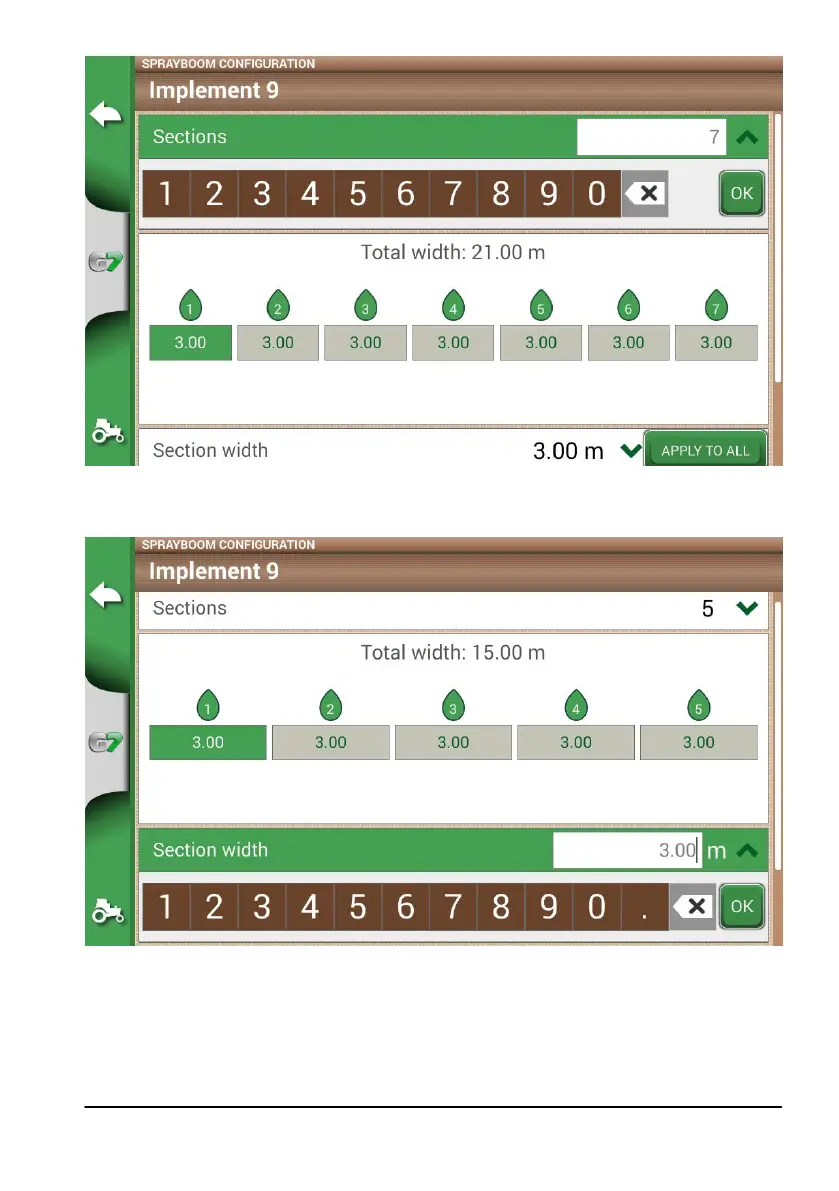
Figure 4.9.g. Number of sections conguration
11. Insert the individual width of each section. Check the total width to avoid errors;
Figure 4.9.h Single section width conguration
Below is an example of 18 metres boom with 5 sections;
G7 Farmnavigator allows you to insert a time value to advance the opening and closing of the section so as to
anticipate the command that must be send to the external device. This value, expressed in seconds, is equal
to the time required by the device to order the opening of the sections and the actual release of product from
the nozzles.



 To Next Page