57
AvMap G7 Farmnavigator – User Manual
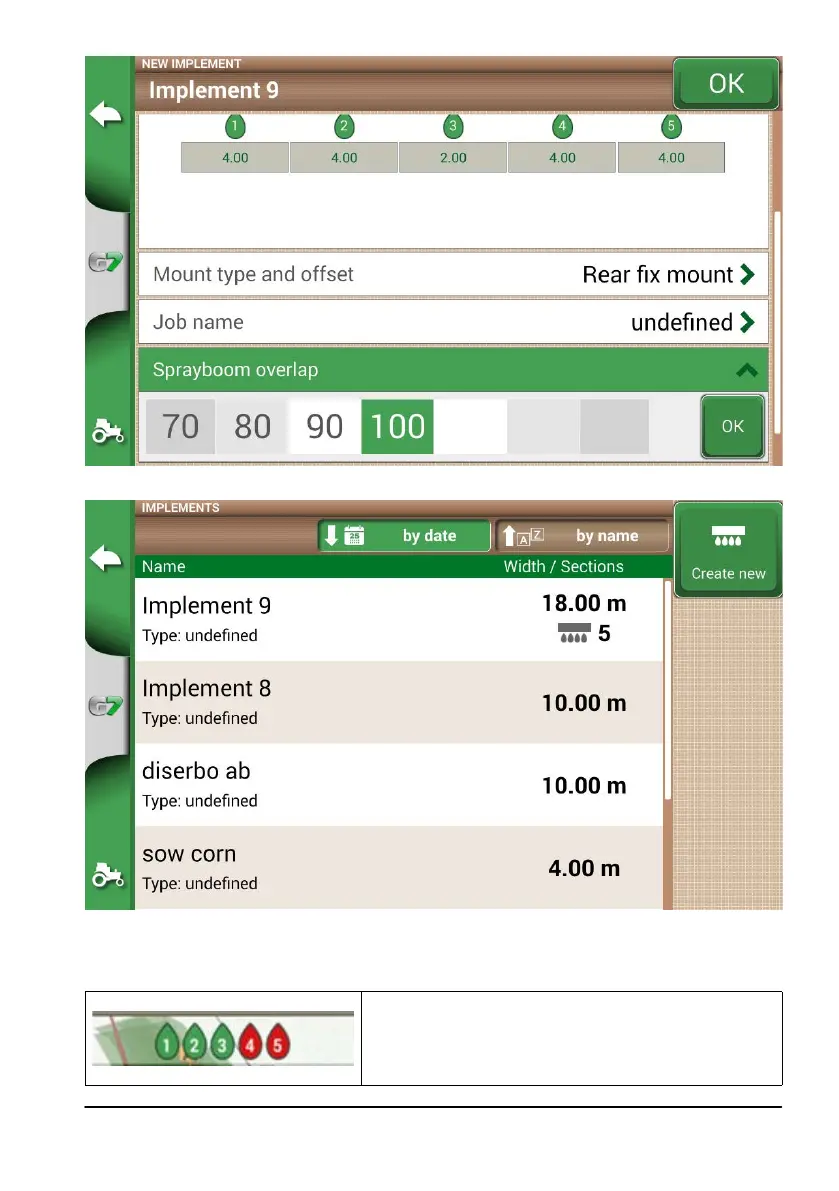
Figure 4.9.k Spray boom overlap conguration
Figure 4.9.I Implements with automatic section control
The implement is now set and displayed in the implement list. An icon identies the implement with active
section control. On the job page, there are icons that show the sections status.
Boom sections status
Green colour indicates that the section is active and
operating.
Red colour indicates that the section is active but turned o.
Table 4.9.m Boom sections status



 To Next Page