66
AvMap G7 Farmnavigator – User Manual
KMZ les you want to import. Connect the USB stick to your G7 Farmnavigator using the cable
supplied.
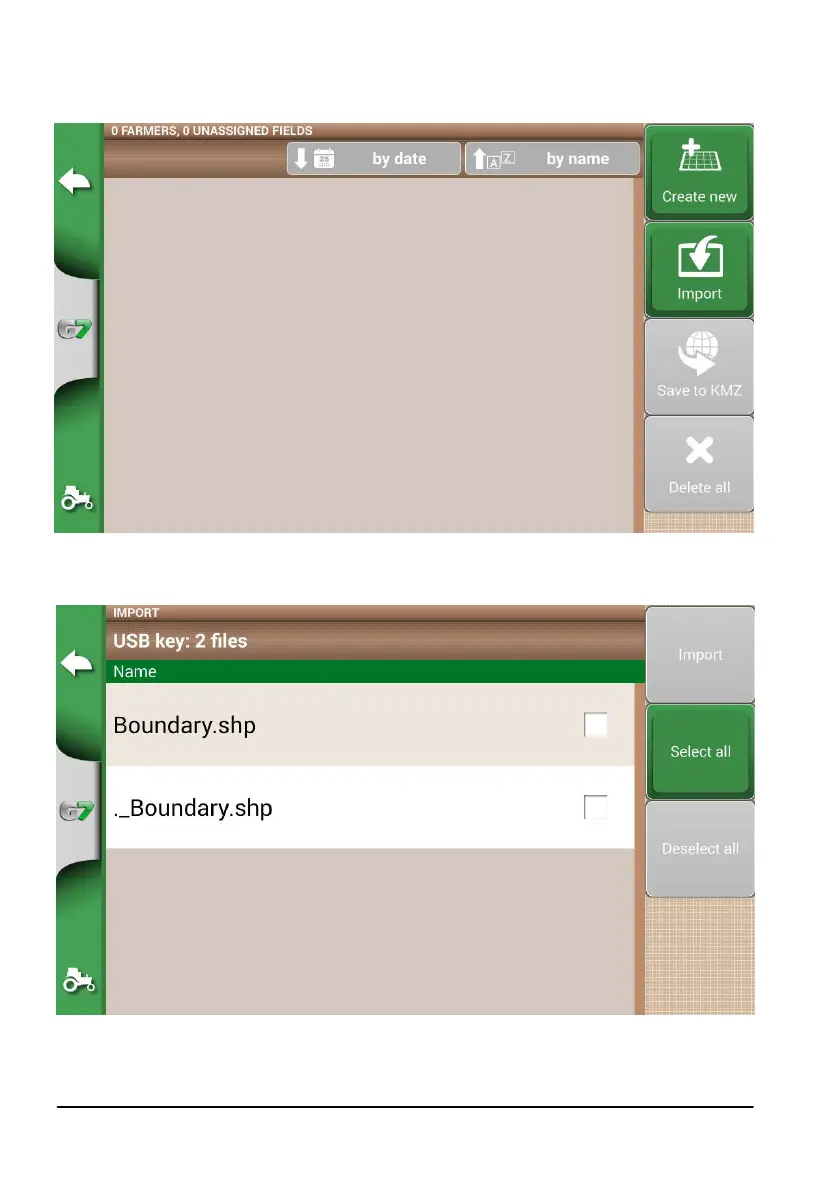
- Tap “DATABASE” > “CAMPI” > “Import”;
Figure 5.3.a File SHP import menu
- Select the le which you need to import;
Figure 5.3.b SHP le Import
- Tap “Import” and wait for boundaries to be imported;



 To Next Page