68
3. Before exporting press “play” button to play the recording, press Stop
button, then press “Skip to Start” button to go to the beginning of the
recording.
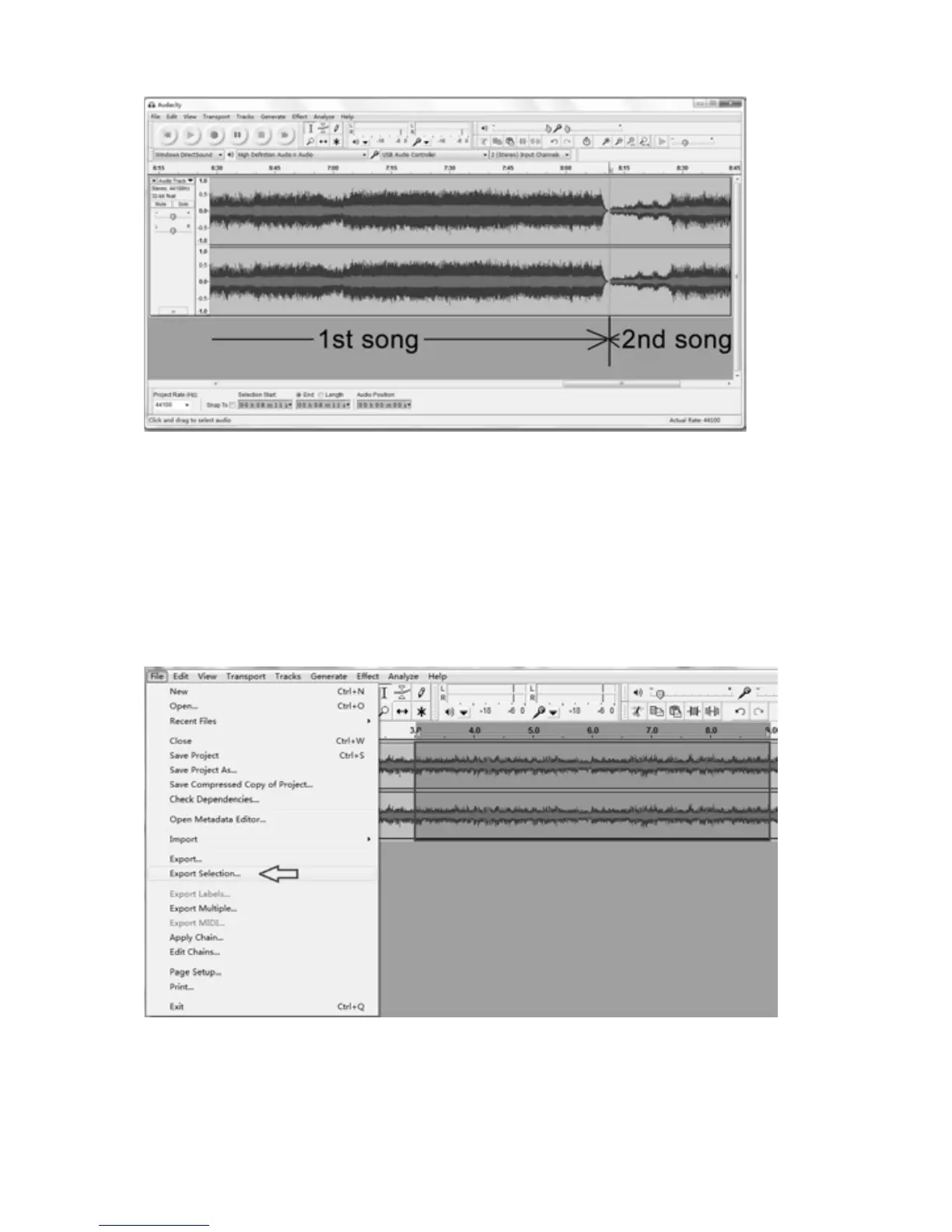
4. Selectasectionyouwanttoexportbymovingthecursortothebeginning
of the song and left clicking. Then hold
and dr
ag the cursor. Release the
cursorwhenyourselectedsectionishighlighted.
5. Click“File”andselect“exportsection…”toexportthesong.
6. Another window appears. Select a location as well as the format (most
peopleprefertosaveaudiosasMP3format(MP3formatismostcommon)
inMyMusicandputthetitleinthefilename,thenclick“Save”.
NOTE:Themostcommonformatsare:MP3,WAV(WAVusesa
lotofsp
ace),



 To Next Page