20 INSTRUKCJA OBSŁUGI
____________________________________________________________________________________________________________________
14.1 Autotaring function
This function automatically keeps zero indication when a pan is empty or zero
indication was forced with
T
key.
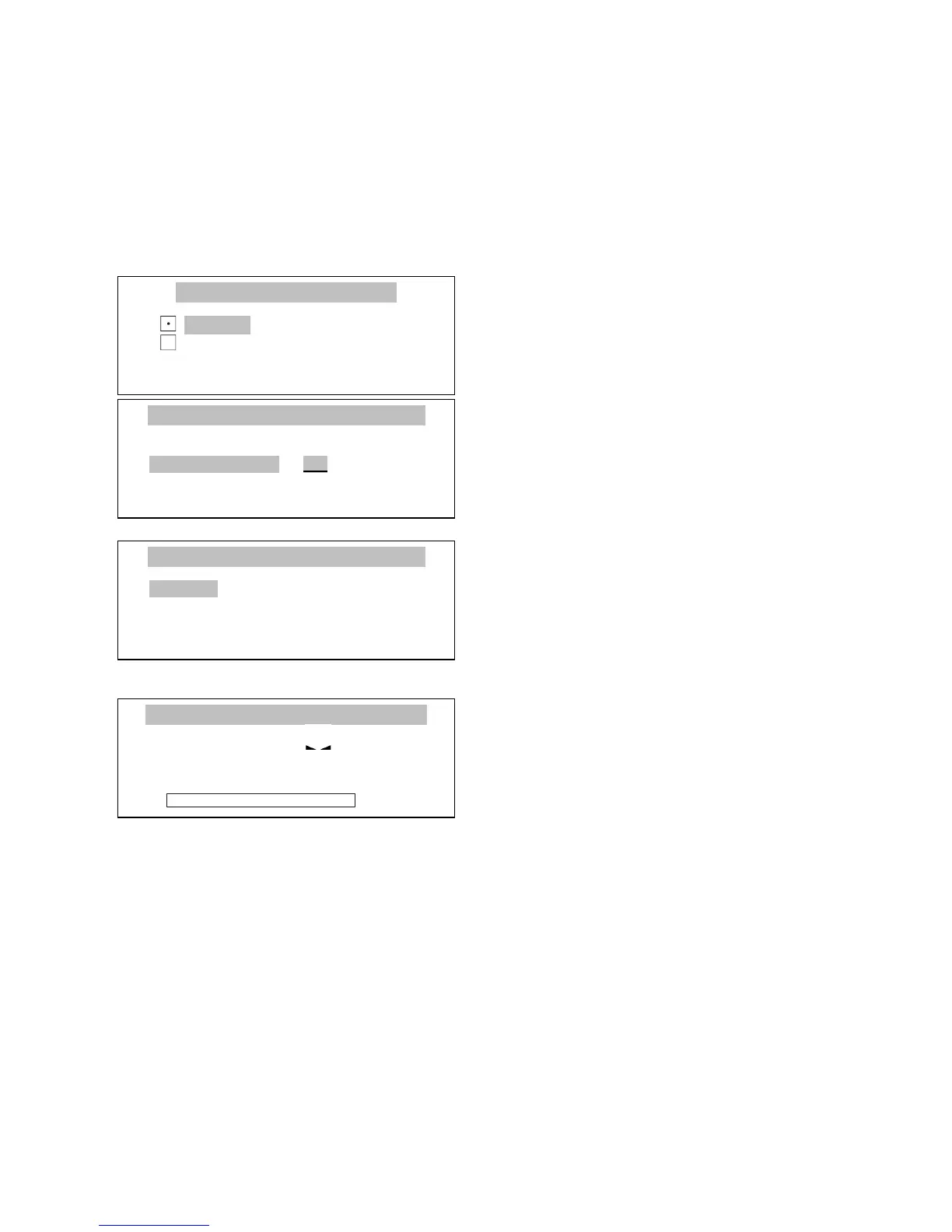
Press Menu key to enter the user
function menu, choose Autotaring and
press ENTER key.
Choose Correction range using ∨
and ∧ keys and press ENTER key.
Enter maximum zero flow to be
automatically corrected by Autotaring
function. Allowed range is 0.5 ÷ 5 (in
balance reading units per second).
Choose Activate option with a cursor
and press ENTER.
Indications that are near to zero will
be automatically corrected and zero
indication will be maintained despite
changing environmental conditions
(temperature, air humidity, etc.)
To stop the function press Menu key to enter user functions menu, choose
Autotaring function and then choose Deactivate option.



 To Next Page