38 USER MANUAL
____________________________________________________________________________________________________________________
14.12 Tare setting function
This function enables to measure gross weight of a sample placed in a container of
a known weigh value (stored in the memory) and to display calculated net weight
of the sample. Tare value may be entered using the keypad or by sampling
container weight from the pan.
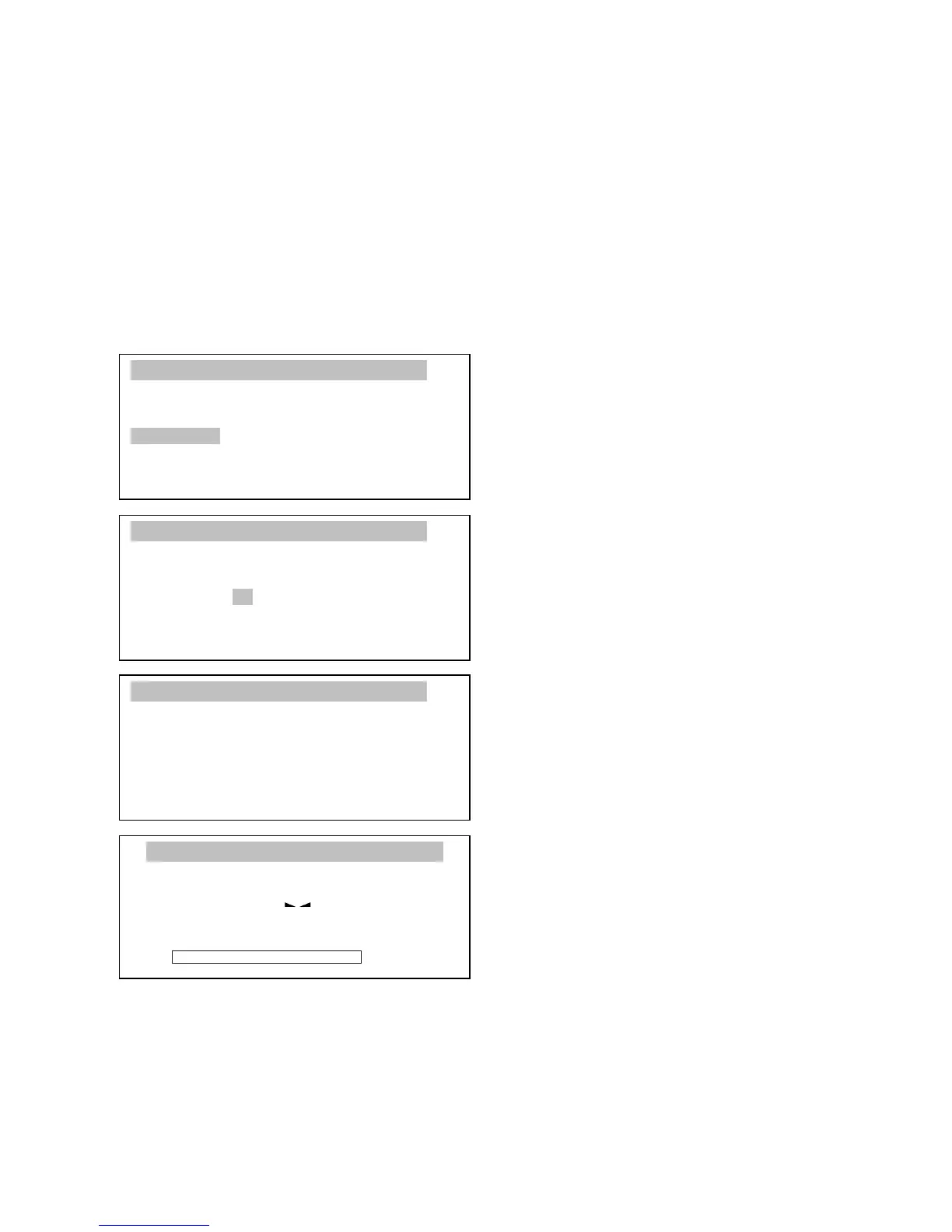
Entering tare value using keys:
After pressing MENU key and
choosing function Entering tare
using ENTER key following options
will display:
- Activate –function activation (after
entering tare from scale the option is
automatically activated),
- Tare from scale – scale takes
actual weight from pan as tare,
- Tare value – manual inserting tare
value,
- Out – out from function.
Using keys ∨ and ∧ move coursor on
positions Tare value and by
pressing ENTER confirm choice.
Insert tare value using numerical
keys and confirm using ENTER key.
To activate function choose
Activate option.
The balance will automatically
come back to weighing and above
weighing result a sign NET will
show up.
This function enables to measure



 To Next Page