USER MANUAL 31
14.7 Print settings function
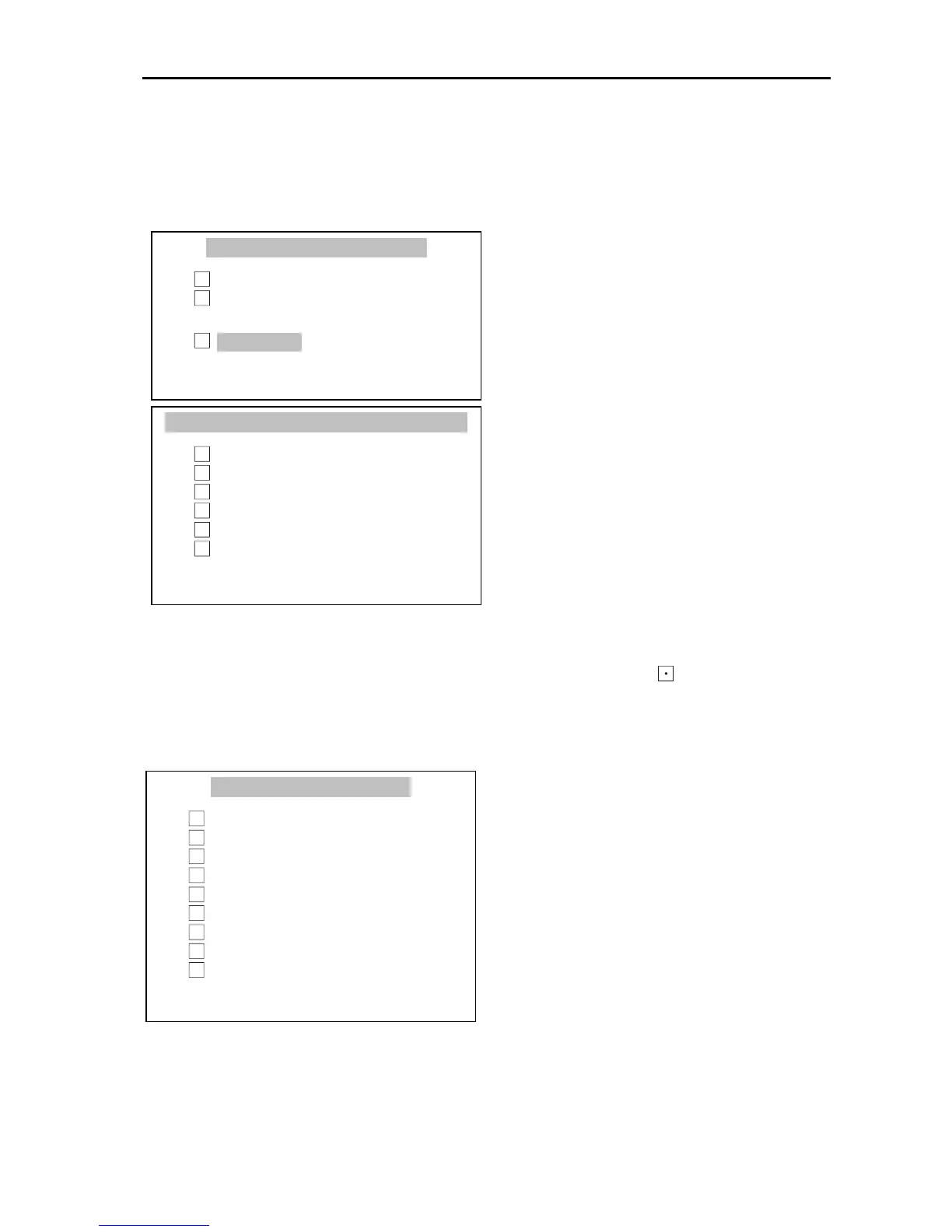
This function allows to attach the following information to a printout:
- numbers of succesive measurements,
- date and time near each measurement.
Press MENU, choose Print settings
with the cursor and press ENTER key.
Select desired options using ∨ and ∧
keys and pressing ENTER key.
Use numeric keys to fill ID1-3 field
values. To delete last character use <
key.
Header - the entrance to the printout header definition menu; sign indicates if at
least one option in the Header definition menu is checked.
Header definition menu
An element is checked/unchecked if
ENTER key is pressed. Checked
element will appear in a printout
header if the Header element in
Values definition menu is checked
as well.



 To Next Page