INSTRUKCJA OBSŁUGI 47
____________________________________________________________________________________________________________________
14.18 Funkcja sumowania ważeń TOTAL
The function allows calculating total weight for series of measurements, which can
be greater than scale capacity. It allows calculating total weight as well as average
value.
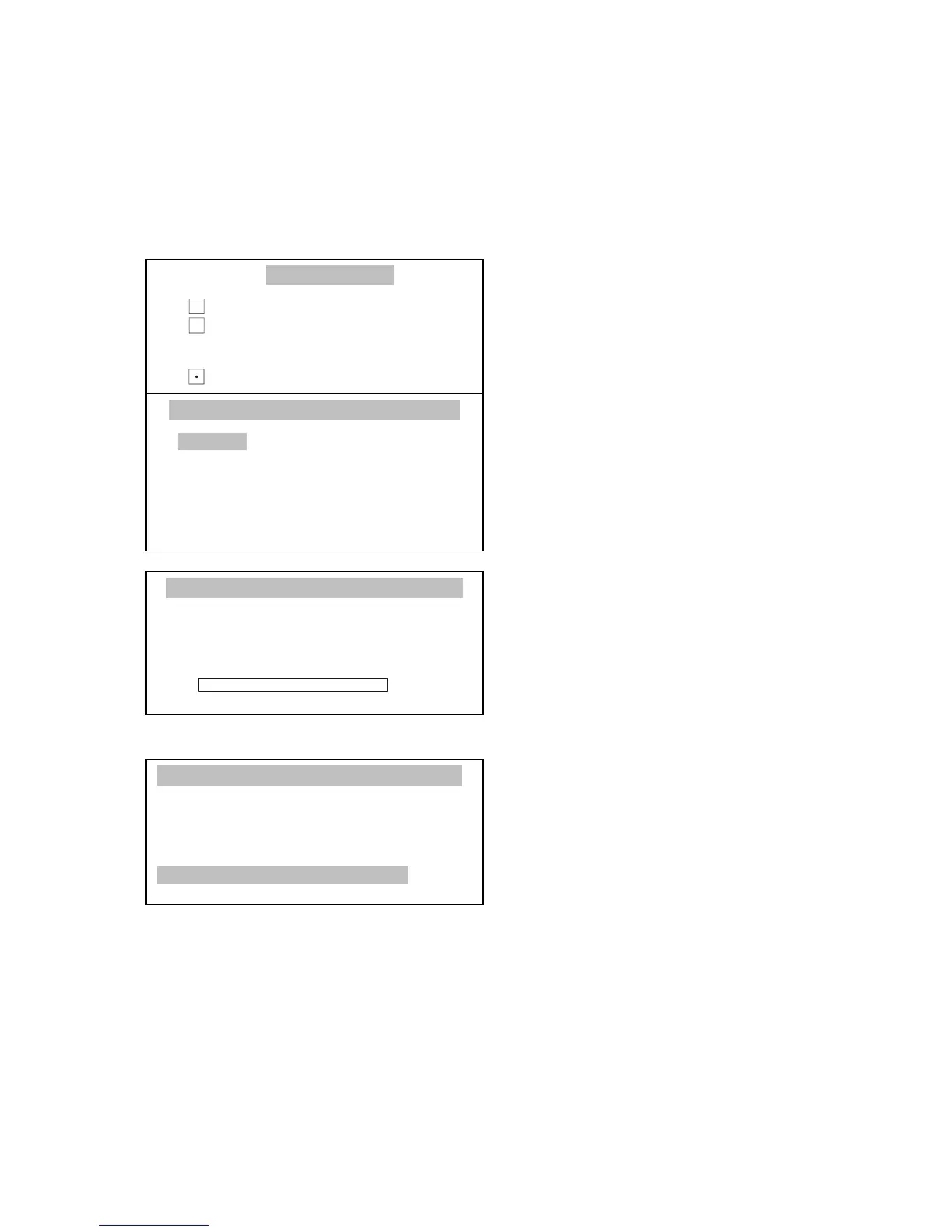
Press MENU key to enter user
functions, choose Total calculation
and press ENTER.
Using ∨ and ∧ keys move cursor to
Activate and press ENTER.
Balance is ready for weighting
following pieces. After weighting each
object press
T
key (manual mode).
This will cause scale indications
zeroing. On the left side of the display
sum of earlier measurements is shown
() and quantity of them (n).
Automatic mode doesn’t require
pressing
T
key after each
measurement.
Printout option enables automatic
printout after each measurement.
In order to readout function report use
key.



 To Next Page