48 INSTRUKCJA OBSŁUGI
____________________________________________________________________________________________________________________
14.19 Statistical calculations function
This function allows for calculations of mean value, standard deviation, relative
standard deviation, maximum and minimum value, and making the histogram of
performed series of measurements.
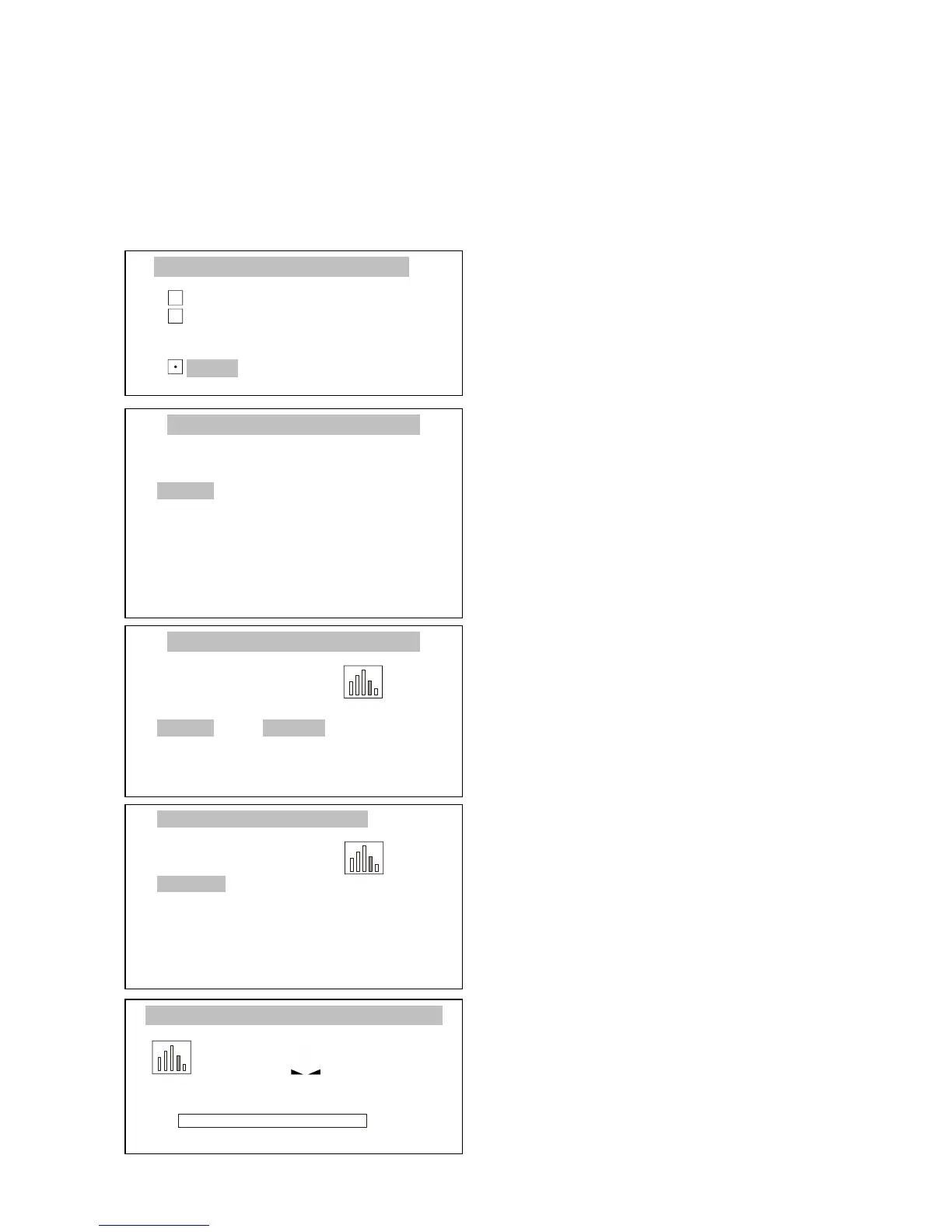
Press MENU key to enter the user
functions menu, select Statistics with
cursor and press ENTER.
Using keys ∨ and ∧ move cursor to
Operation mode, and using < and >
keys select the process beginning
method:
- manual – after pressing ENTER,
- autom. – after indications
stabilization.
Confirm by pressing ENTER.
When required, move cursor to Print
and select:
- ON – printing of successive
measurements,
- OFF – successive measurements
without printing.
Confirm by pressing ENTER.
The following options enable
inserting maximal quantity of
samples, inserting nominal value and
sample tolerance in %.
Using ∨ and ∧ keys, move cursor to
Activate and press ENTER.
The balance is ready for the series of
samples measurements, for which the
statistical parameters will be
calculated.
To perform the measurement just put
the sample, wait for stabilization and
remove sample. The successive
results are sent to the printer.



 To Next Page