54 INSTRUKCJA OBSŁUGI
____________________________________________________________________________________________________________________
14.21.2 Liquid density determination
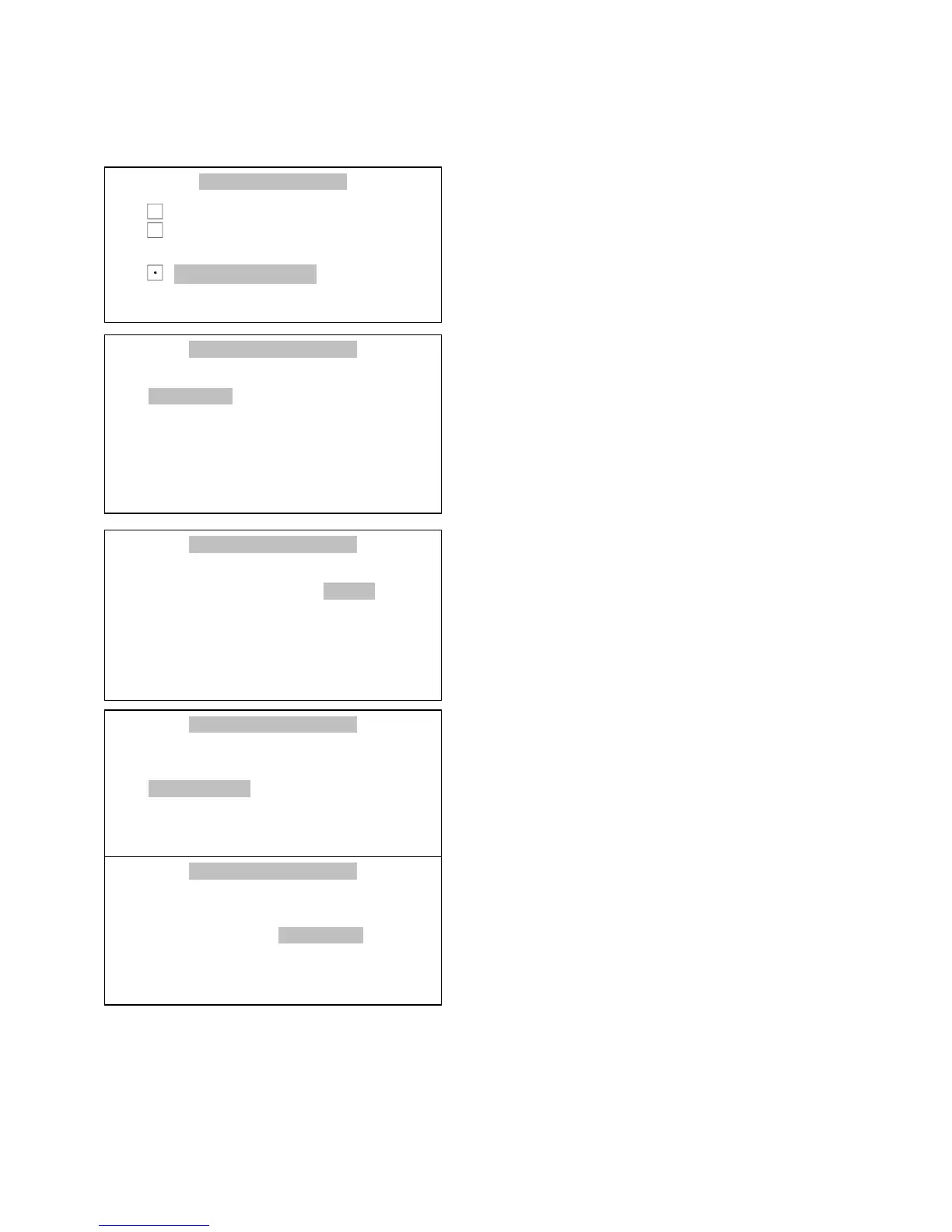
Suspend the trays and tare scale
pressing button
T
.
Press button Menu, select Density
measurement with cursor and press
ENTER..
Select Material type with cursor and
press ENTER.
Use > and < keys to choose Liquid
material and press ENTER.
Use > and < keys to choose Plunger
volume and press ENTER
Please write value of plunger volume
and press ENTER.
Attention: Plunger volume is wrote on
his hanger.
USER FUNCTIONS / DENSITY
1.Activate
2.Material type : <liquid>
3.Liquid type : water 20.0
o
C
4.Liquid density : 0.99820g/cm3
5.Report printout
6.Exit



 To Next Page