INSTRUKCJA OBSŁUGI 19
_________________________________________________________________________________________________________________
___
14. Special functions
All balances, beside basic metrological functions like weighing and taring, are
equipped with set of special functions. Basic set of special functions is shown
below. In respect of metrology calibration with external weight is important
special function.
To avoid showing too many functions in menu, user can choose which functions
should be displayed in menu and should not. Menu settings function is used for
this.
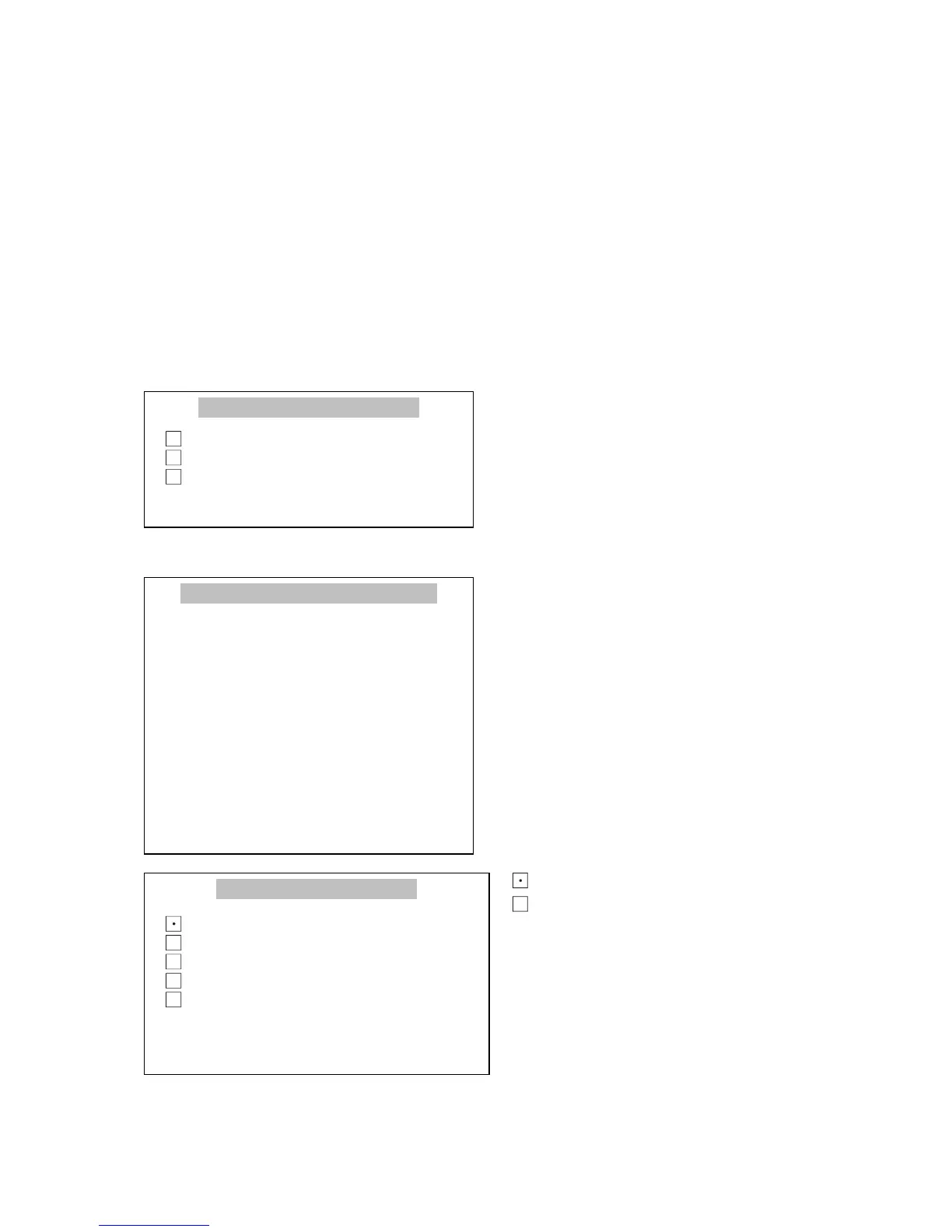
When Menu key is pressed, the
balance shows special functions
menu. Function activation is
performed with the cursor (dark
background). In factory settings user
can only choose from Menu setting
and Default settings.
In Menu settings window choose the
functions, which should be currently
used in menu. The choice is made by
selecting a function with a cursor and
pressing ENTER key. The functions
selected to use in menu should be
signified with mark.
To quickly go from functions menu to
Menu settings window press key.
For moving the cursor, navigation
keys ∨ and ∧ are used.
- means the function is active
- means the function is inactive
Pressing ENTER key causes opening a
window of function selected with the
cursor. When < key is pressed, the
balance returns to previous window



 To Next Page