42 USER MANUAL
____________________________________________________________________________________________________________________
14.16 Language selection function
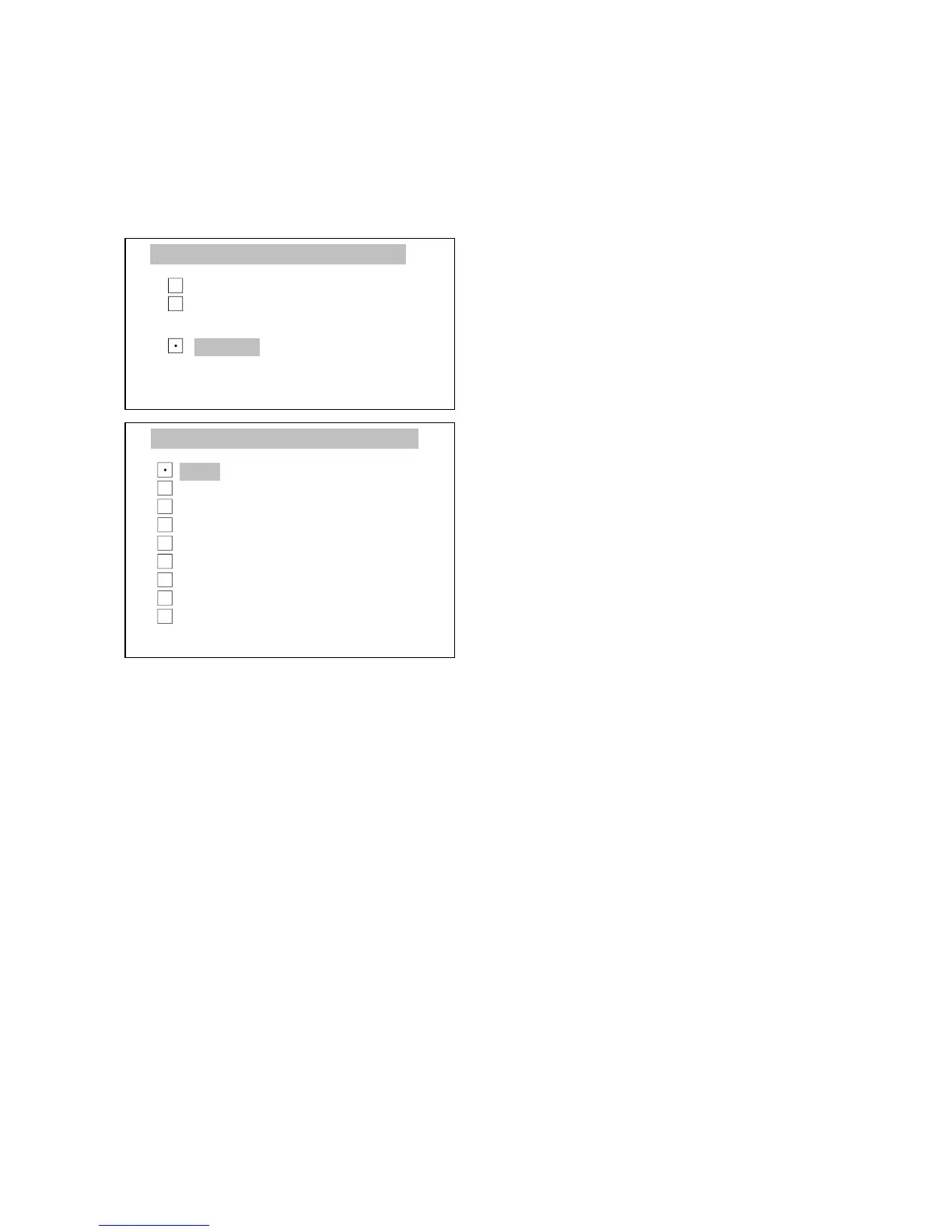
This function allows for language selection for messages and print purposes.
Press MENU key, select Language
selection with cursor and press
ENTER.
Using ∧ and ∨ keys, select proper
language and press ENTER.
.



 To Next Page