USER MANUAL 29
14.6 Function for setting serial port
To enable cooperation with a printer (or a computer), transmission parameters in
both devices have to be the same.
This function allows to set the following transmission parameters:
- send and receive baud rate (1 200 115 200bps),
- number of bits in single character (7 or 8 bit),
- parity control (none, even, odd),
- protocole type (default protocol is LONG),
- transmission mode (after pressing key if result is stable, after pressing
key independently of stable result, automatically after putting a load on the pan
and weighing result stabilisation, continuous transmission every 0,1s).
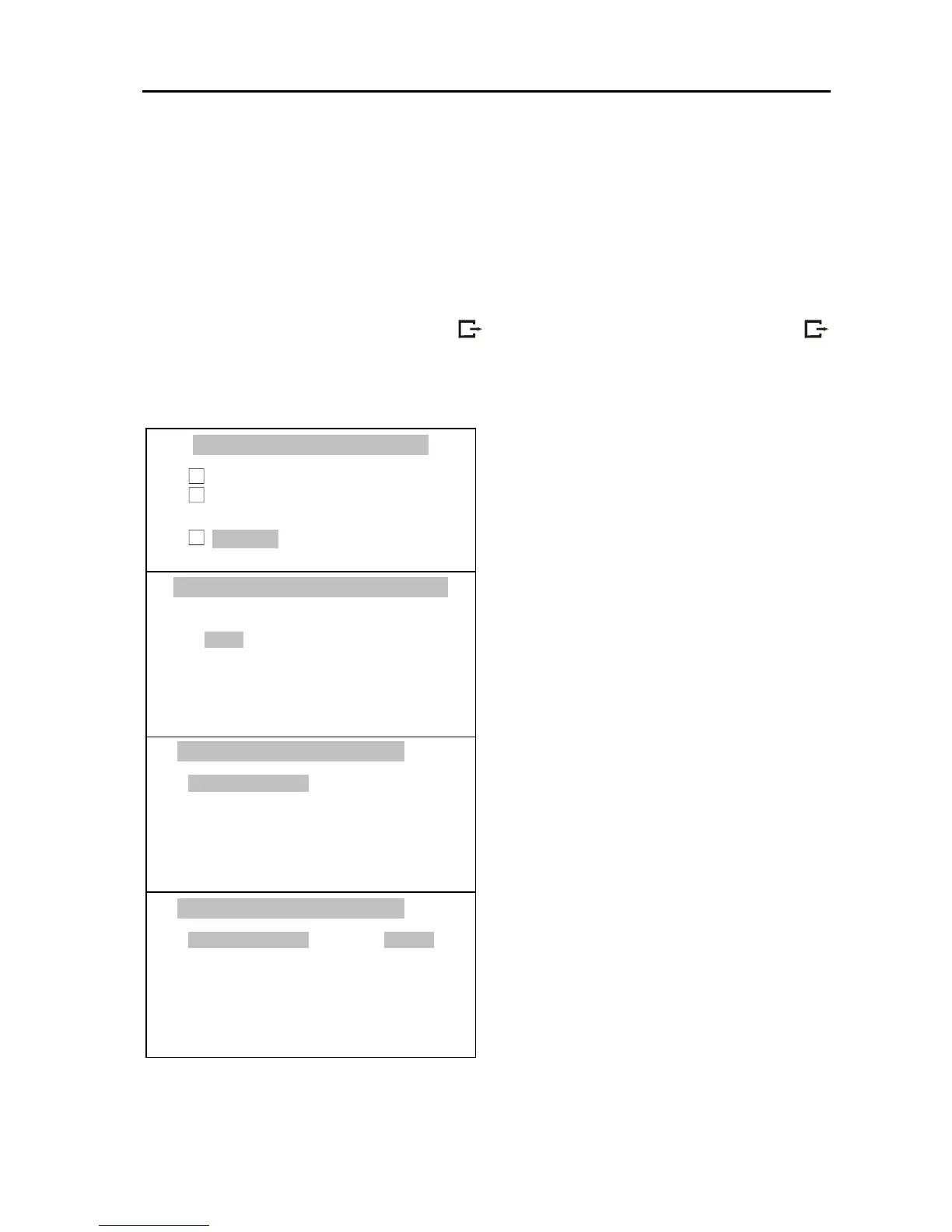
Press MENU key, choose Serial Port
with the cursor and press ENTER key.
Check if port interface settings are
compliant with parameters of
connected external device. If not,
using ∨ and ∧ keys move the cursor on
parameter that should be set and press
ENTER key.
Set proper value of parameter using <
and > keys and press ENTER.
Leave the function by pressing MENU
key or using Exit option.



 To Next Page