USER MANUAL 37
____________________________________________________________________________________________________________________
14.11 Animals weighing function
This function allows for weighing of an animal, moving on the balance, by
averaging of momentary values, measured by the balance. The samples number
and sampling time, as well as operation mode are set by the balance operator.
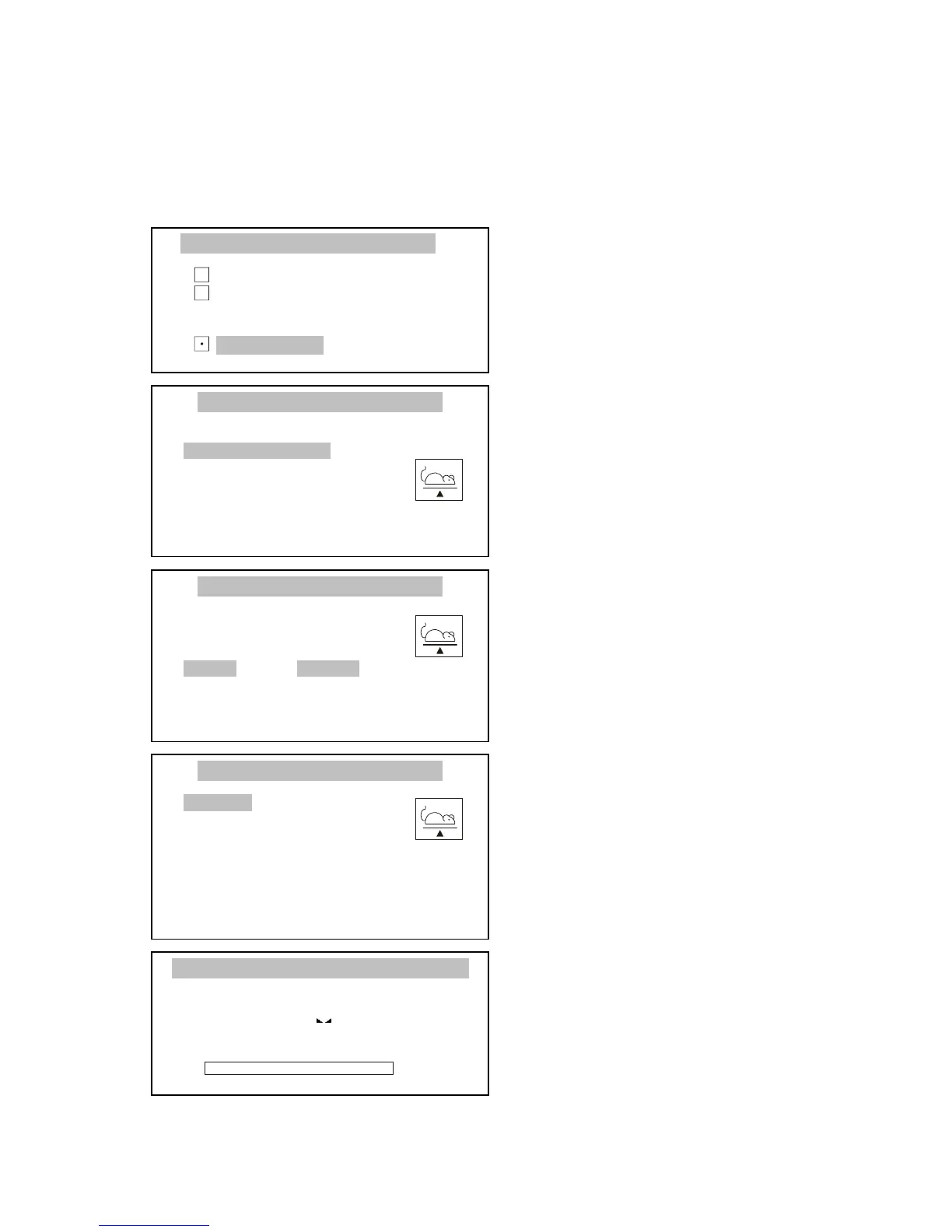
Press MENU key to enter the user
functions menu, select Animals
weighing with cursor and press
ENTER.
Using ∨ and ∧ keys, move cursor to
Samples number, press ENTER and
type in the value with digital keys.
Finish by pressing ENTER.
In the same way set the sampling
time (minimum time is 0.1 s).
Move cursor to Operation mode and
using < and > keys select the process
beginning method:
- manual – after pressing ENTER,
- autom. – after exceeding
Operation threshold.
Confirm by pressing ENTER.
As the Operation threshold value
enter the value, which will be for sure
exceeded after placing the animal on
the balance, e.g. 50% of the smallest
animal weight.
Using ∨ and ∧ keys, move cursor to
Activation and press ENTER.
To finish the function operation,
press MENU to enter the user
functions menu, select Animals
weighing function, and select
Deactivation option



 To Next Page