24 INSTRUKCJA OBSŁUGI
____________________________________________________________________________________________________________________
14.4 Percent function
The function allows replacing indication in mass units with percentage values
according to assigned reference mass.
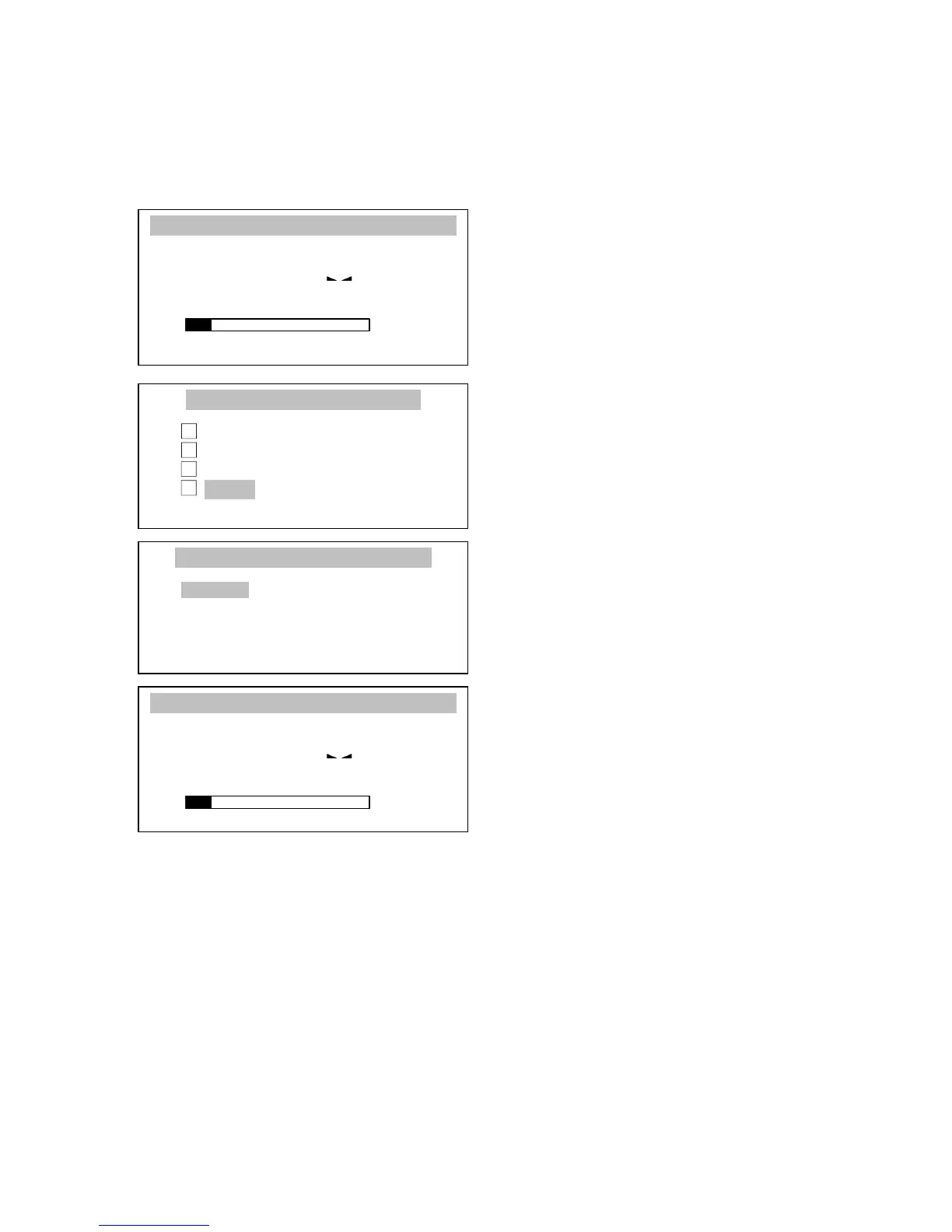
Put a mass referenced to 100% on the
pan.
Press Menu key, choose Percent with
the cursor and press ENTER key.
Choose Activate option with the
cursor and press ENTER key to
display percentage indication.
To stop the function enter Percent
function menu and use Deactivate
option.
Comments:
1. In order to show mass value in grams temporarily and return to percentage
indication press key.
2. According to a mass referenced to 100% percentage indications will be
displayed in different formats. For reference mass in range 0÷3,5% of balance
capacity, displayed result will be shortened of two decimal places, in range
3,5÷35% - shortened of one decimal place, above 35% - in full accuracy.



 To Next Page