40 USER MANUAL
____________________________________________________________________________________________________________________
14.14 Maximum and minimum value indication function
This function allows for keeping the maximum value, indicated by the balance, on
the display.
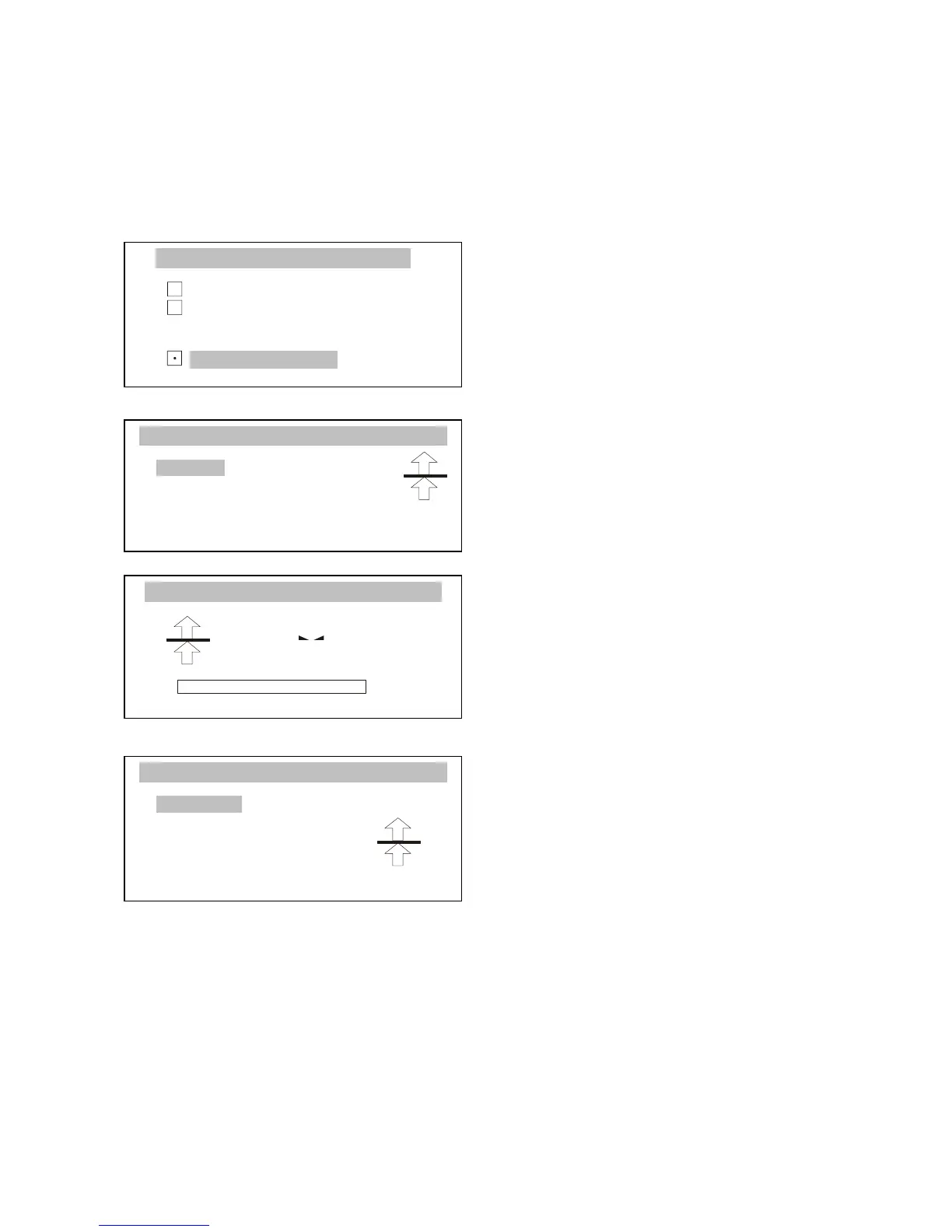
Press MENU key to enter the user
functions menu, select
Maximum/minimal value with cursor
and press ENTER.
Using ∨ and ∧ keys, move cursor to
Activation and press ENTER.
The balance is ready for weighing, but
the display keeps the highest (or
minimal) value, measured since the
function activation or use of Reset
option.
To read the mass, currently placed on
the balance, use key. Reuse of that
key cause return to the maximum
value.
To finish the function operation, press
MENU to enter the user functions
menu, select Maximum value function,
and select Deactivate option.



 To Next Page