36 USER MANUAL
____________________________________________________________________________________________________________________
14.10 Recipe function
This function allows for weighing few ingredients in sequence in one vessel, with
the possibility of continuous reading of summary mass value of all ingredients
weighed so far.
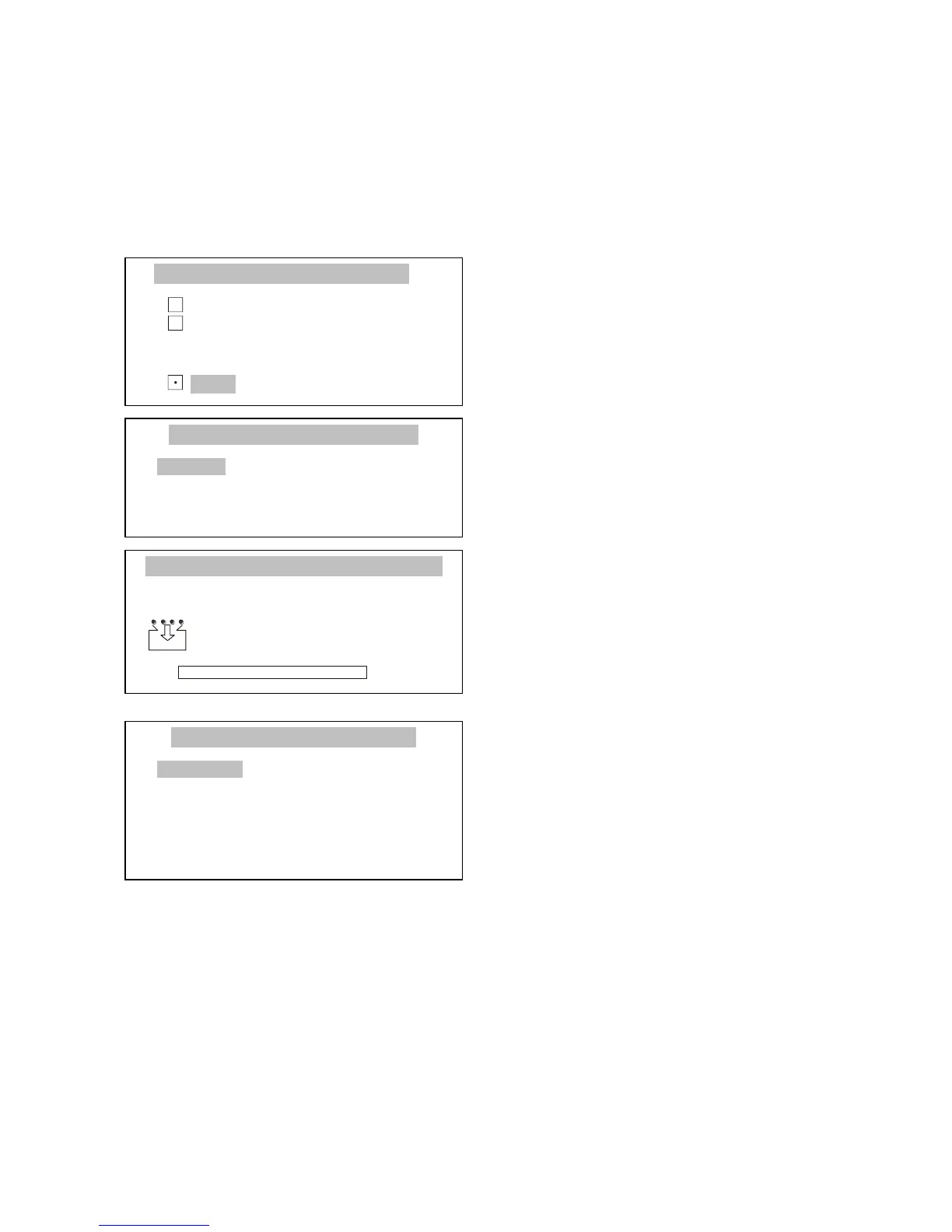
Press MENU key to enter the user
functions menu, select Recipe with
cursor and press ENTER.
Using ∨ and ∧ keys, move cursor to
Activation and press ENTER.
The balance is ready for weighing the
successive ingredients, and after each
ingredient it is necessary to press
T
key. It will zero the balance indications.
On the left side the sum of previously
weighed ingredients () and their
number (n) is displayed.
To read the total mass of all weighed
ingredients use
key (pressing it
again will cause return to ingredient
weighing).
To finish the function operation, press MENU to enter the user functions menu, select Recipe function, and select
Deactivation option.



 To Next Page