USER MANUAL 35
____________________________________________________________________________________________________________________
14.9 LCD settings function
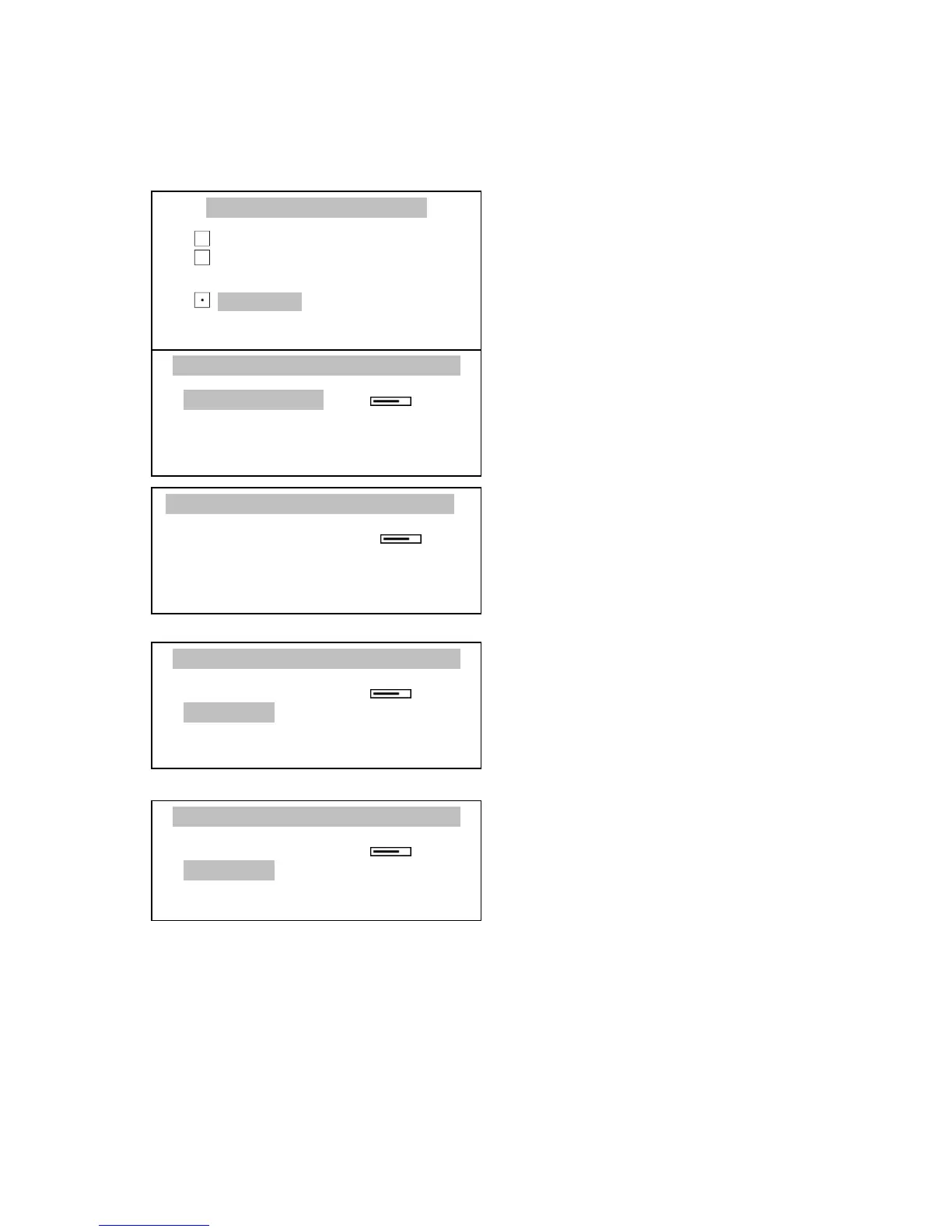
This function allows to set contrast and backlight of balance display:
Press MENU, choose LCD settings
with the cursor and press ENTER key.
Choose Contrast option using ∨ and ∧
keys and press ENTER key.
Select desired contrast value using
< and > keys. Press ENTER to accept.
Choose Backlight option using ∨
and ∧ keys and press ENTER key.
Turn display Backlight on or off using
∨ and ∧ keys. Press ENTER to accept.



 To Next Page