INSTRUKCJA OBSŁUGI 53
____________________________________________________________________________________________________________________
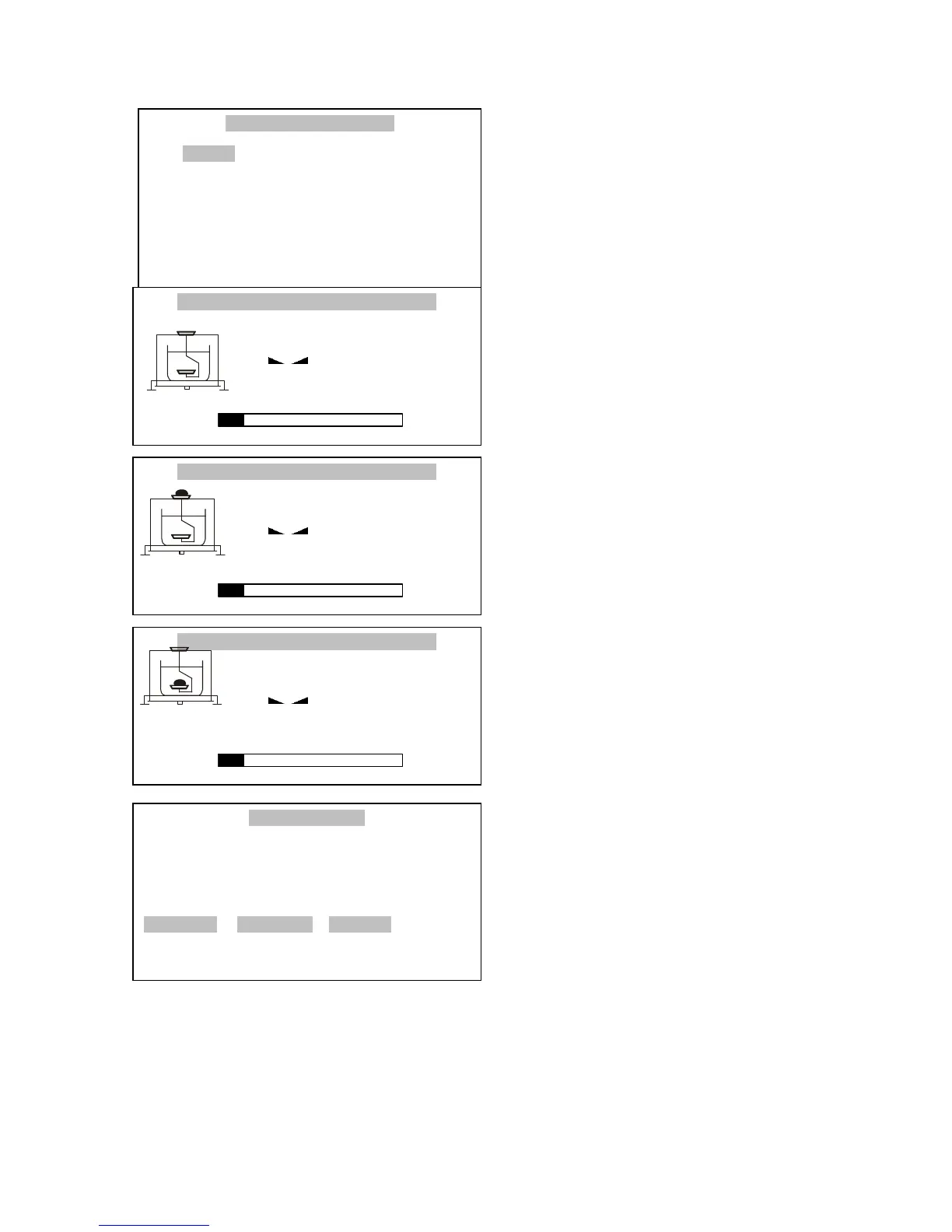
Select Activate with cursor and Press
ENTER.
Press
T
. to taring scale
Put the examine solid body on upper
tray (measurement in the air) and press
ENTER.
Put the examine solid body on lower
tray (measurement in the liquid) and
press ENTER.
Result of measurement is displayed on
the screen.
Scale enumerated density with the
compensation of influence air density -
(Density with comp.), too.
Press F1 to printed a result.
Press F5 or ENTER to started next
measurement.
Press F3 to finished density
measurement.
RESULTS
Mass in the air : 10.0907g
Mass in the liquid : 8.0912g
Mass density : 5.0373g/cm3
Density with comp. : 5.0363g/cm3
F1 PRINT F3 DONE F5 EXIT



 To Next Page