AXIS Q6032 PTZ Dome Network Camera
Recordings
Recordings
If using an SD card, the Axis product can b e configured to record video continuously or as a result of a triggered or schedule d e v ent:
• To start a continuous recording, see page 37.
• To set up triggered and scheduled events, see Events, on page 30.
• To access event recordings, see page 36.
Event recordings
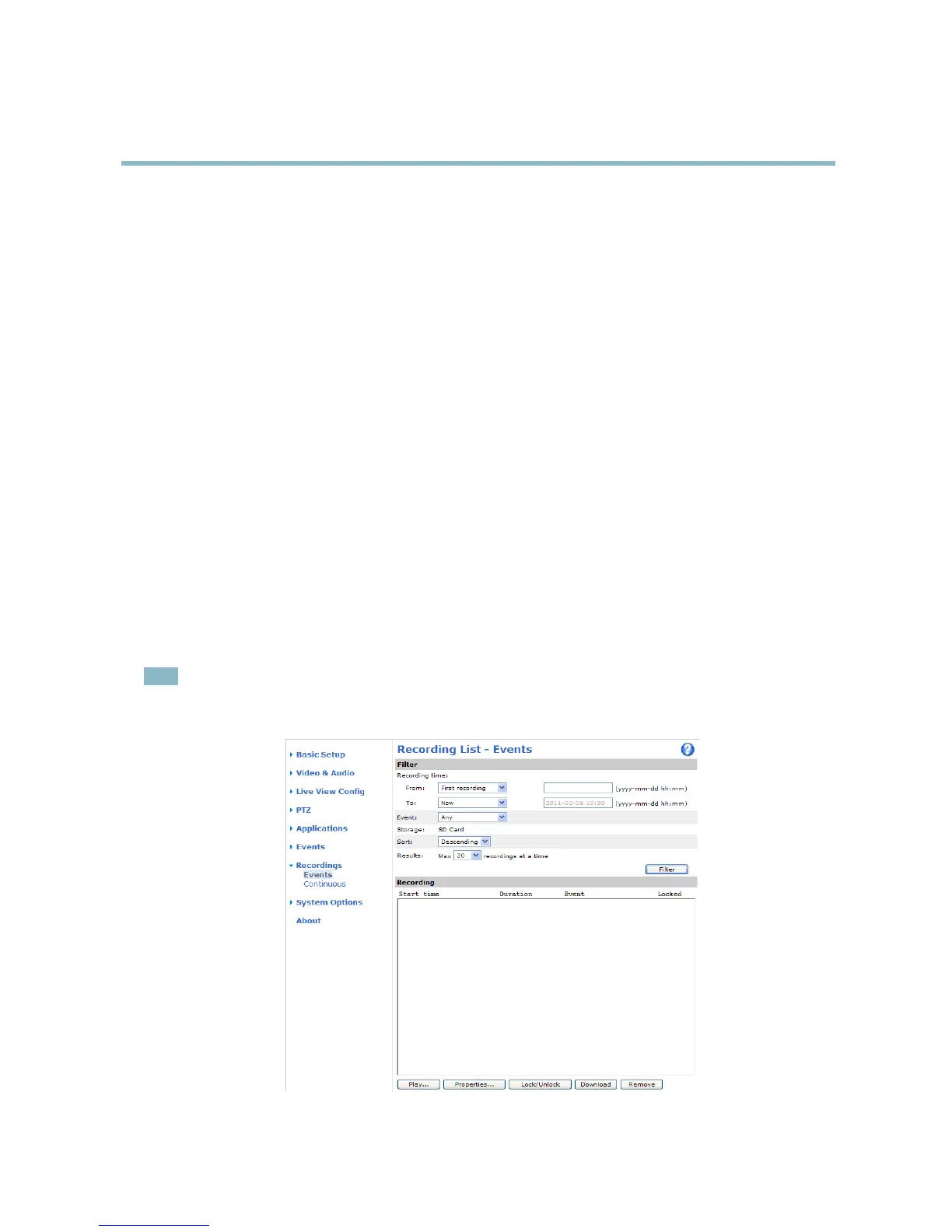
Event recordings made to the product’s SD card (not included) can be accessed from the Recordings > Events page. For instructions
how to set up triggered and scheduled events, see Events, on page 30.
From the Recordings > Events page, you can:
• Play recordings from the SD card
• View information on the recording, click Properties
• Lock recordings to prevent accidental removal
• Remove recordings
• Download recordings
Multiple recordings can be downloaded at the same time. Select the recordings and click Download. The downloaded
file is a zip file
containing a minimum of three files, of which the Matroska (mkv) files are the actual recordings. The recordings are time-stamped
with the date a nd time they were downloaded (that is, not the date the record ings were made).
Note
To play recordings in Windows Media Player, AXIS Matroska File Splitter must be installed. AXIS Matroska File Splitter
can be downloaded from www.axis.com/techsup/software
36



 To Next Page