User’s Guide 1-10
4. When asked “Do you want to restart your computer now?” click Yes.
5. After the computer restarts, open the Windows Me Control Panel.
Start -> Settings -> Control Panel
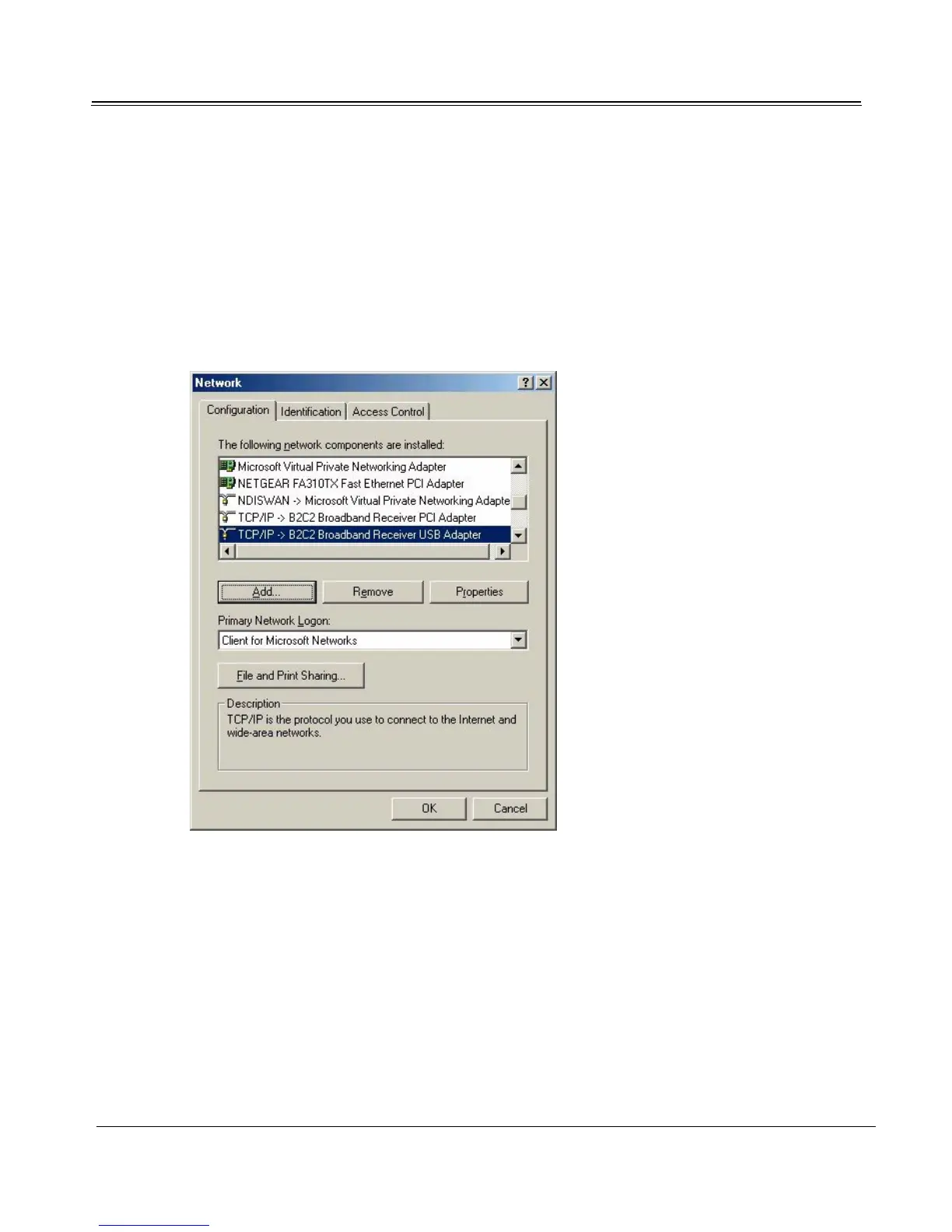
6. Double-click the Network icon to launch the Network control panel.
7. At the Configuration tab, highlight TCP/IP -> B2C2 Broadband Receiver USB Adapter. Click
Properties.



 To Next Page