User’s Guide 1-4
2. Connect the USB cord from the PC to the USB box.
3. Connect the coaxial cable from the dish antenna to the USB box.
4. Turn on the USB box.
Installing the Driver
Note: For some operating systems you must be logged on as an administrator or have administrator
privileges prior to installing drivers. Check with your PC manual.
Follow the applicable driver installation procedure for your Windows operating system.
Windows 98 (PCI only)
When you insert your installation CD and start your computer for the first time after installing the
Sky2PC card, Windows 98 displays a dialog that says it has detected a PCI Network Controller. This is
how the operating system identifies the digital receiver card.
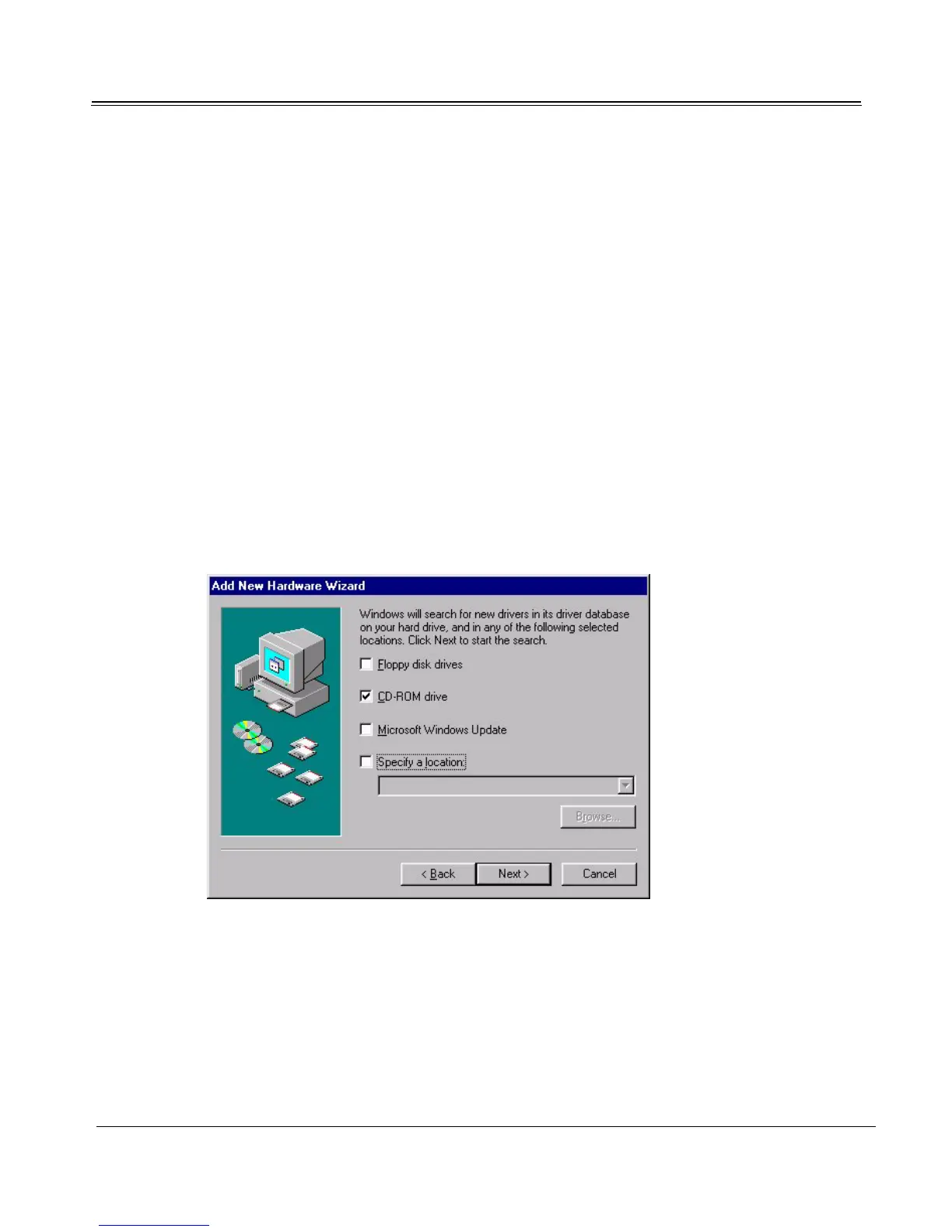
1. Click Next and follow all remaining prompts, accepting defaults, until the dialog asks for the
location of the drivers:
Select CD-ROM drive, if it is not selected already.
2. Click Next and follow all remaining prompts to complete the installation. Click Finish when
prompted.
3. Restart the computer.



 To Next Page