User’s Guide 4-10
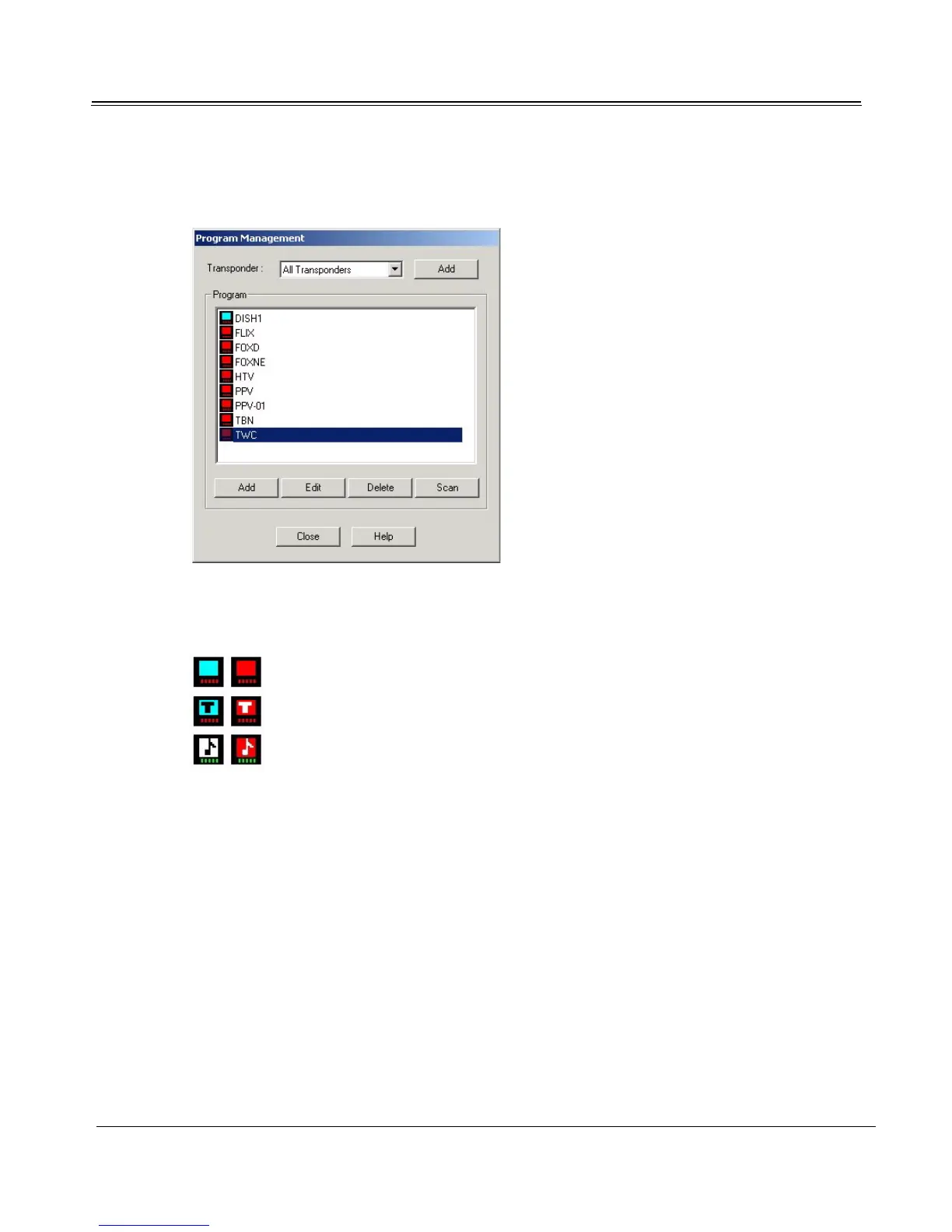
3. Click the Program Management button. Select All Transponders from the Transponder drop-
down list.
Program Category Icons
Cateogry icons to the left of each program title display the program category: TV (TV), teletext ("T"),
or music (musical note). Category icons for encrypted programs are red.
Deleting Programs
To delete a program, select it in the program list and click Delete. The program will disappear from the
Program list and from TV4PC. Click the Close to return to the Satellite Settings tab.
Adding or Editing Programs
1. To add a program, click the Add button. To edit a program, select it in the list and click the Edit
button. Fields in Add and Edit dialogs are the same.



 To Next Page