User’s Guide 4-1
Chapter 4: Setup4PC
Overview
This section is a general introduction to Setup4PC, the powerful configuration and troubleshooting utility
included with the installation software suite.
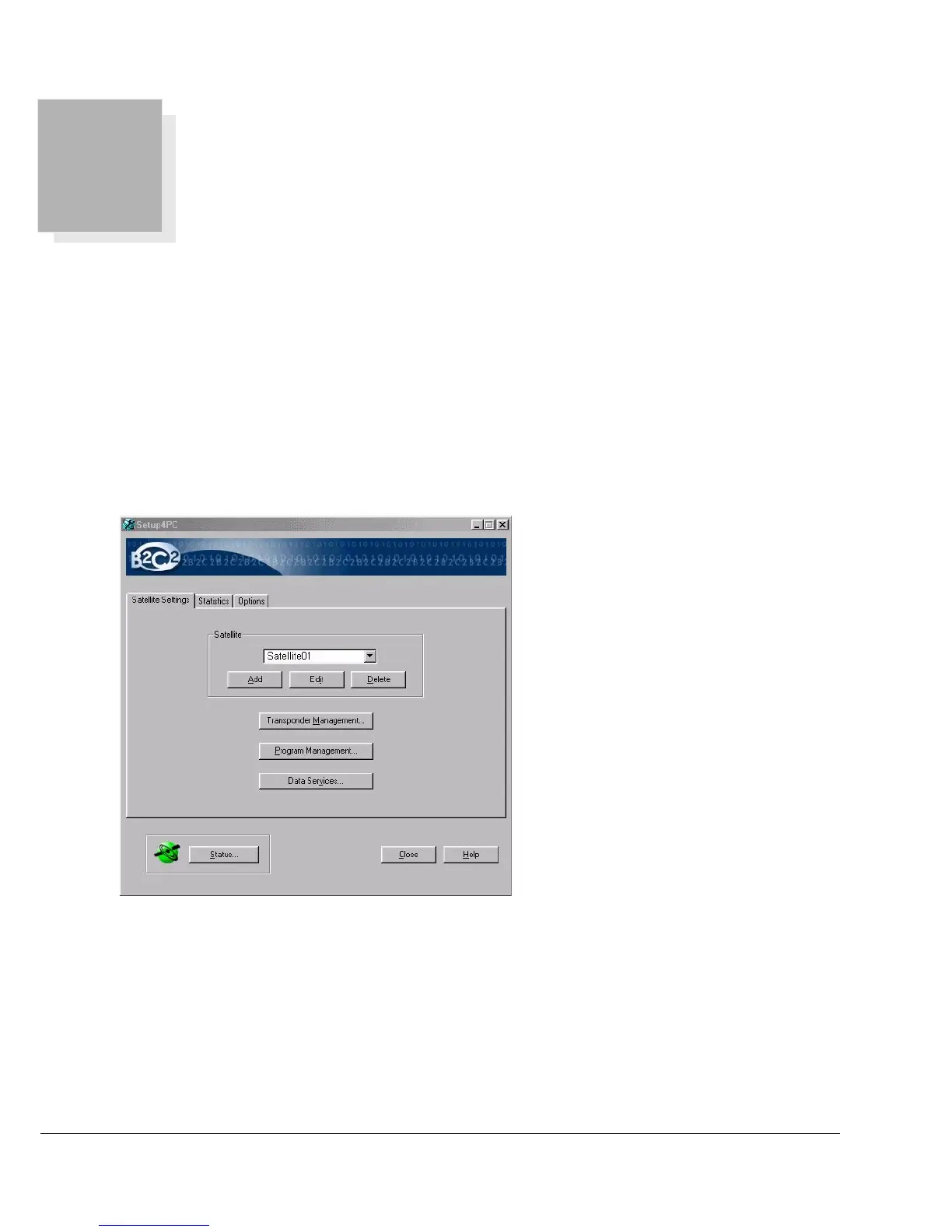
To launch Setup4PC:
Start -> Programs -> Broadband4PC -> Setup4PC
Satellite List Selects the current satellite. All management and services dialogs on Setup4PC
pertain to the current satellite.
Transponder Management Lists and manages the current satellite’s channels. Channels can be tuned, added,
edited, or deleted. Channels can also be scanned to add new programs or update
the existing program list.



 To Next Page