User’s Guide 4-6
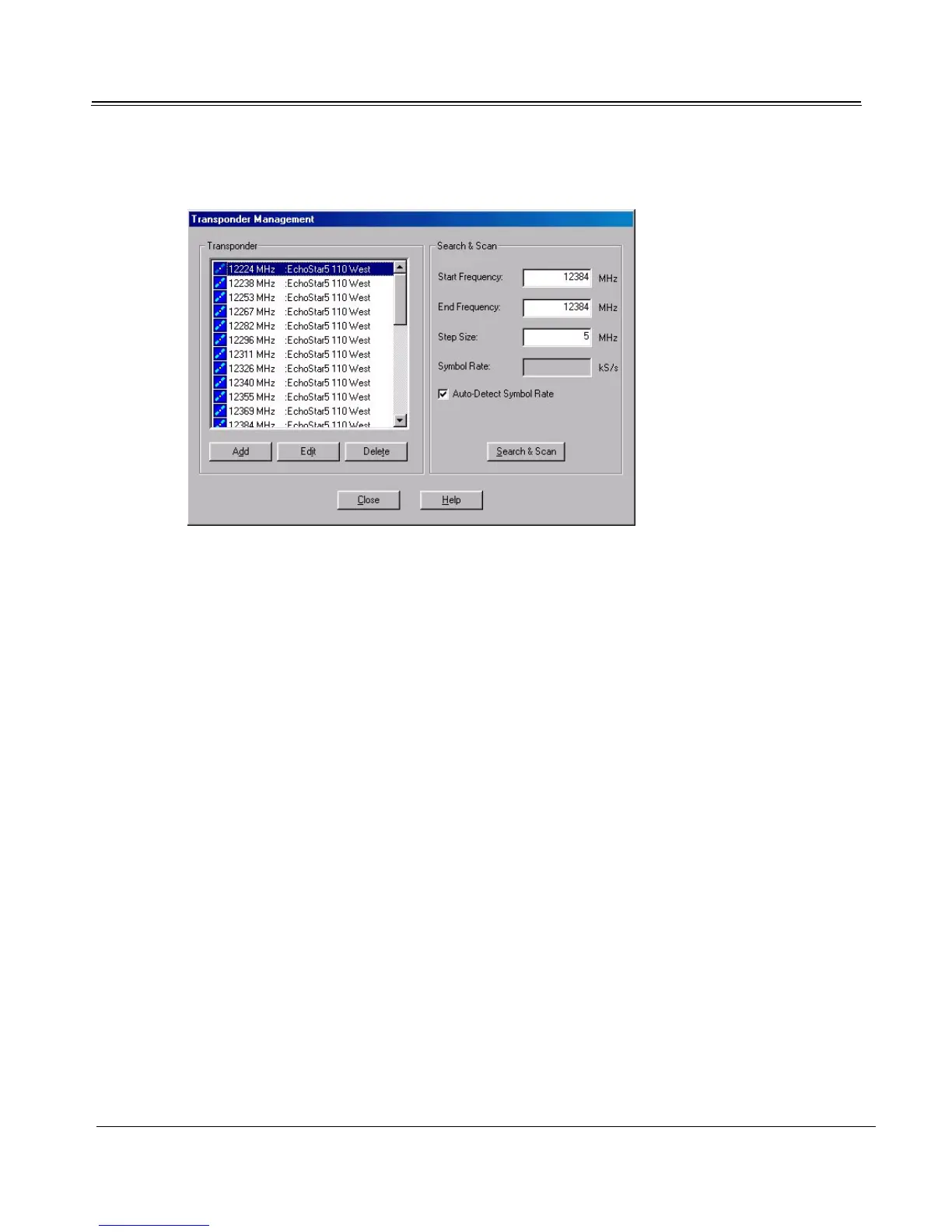
3. Click Transponder Management to open the Transponder Management dialog.
Adding New Channels
To configure new channels from a satellite, or to update all existing channels, see “Search and Scan
Feature” on page 4-7. The Search and Scan procedure will simultaneously update all channels listed in
Setup4PC’s Transponder list and all programs listed in TV4PC’s program listing for the current satel-
lite.
Adding an Individual Channel
1. To add an individual channel, first obtain its signal parameters from the service provider.
2. Open Setup4PC. Click Transponder Management.



 To Next Page